Upgrade Smart Home Hub 2026: Optimal Performance Guide
Upgrading Your Smart Home Hub in 2026: When and How to Make the Switch for Optimal Performance
The landscape of smart home technology is constantly evolving, with new devices, protocols, and capabilities emerging at a rapid pace. For many early adopters and tech enthusiasts, the question isn’t whether to embrace smart home tech, but rather when and how to ensure their setup remains cutting-edge and efficient. As we move further into the 2020s, specifically looking at 2026, the concept of a smart home hub upgrade becomes increasingly relevant. This isn’t just about replacing old hardware; it’s about future-proofing your home, enhancing security, improving interoperability, and unlocking new levels of convenience and control.
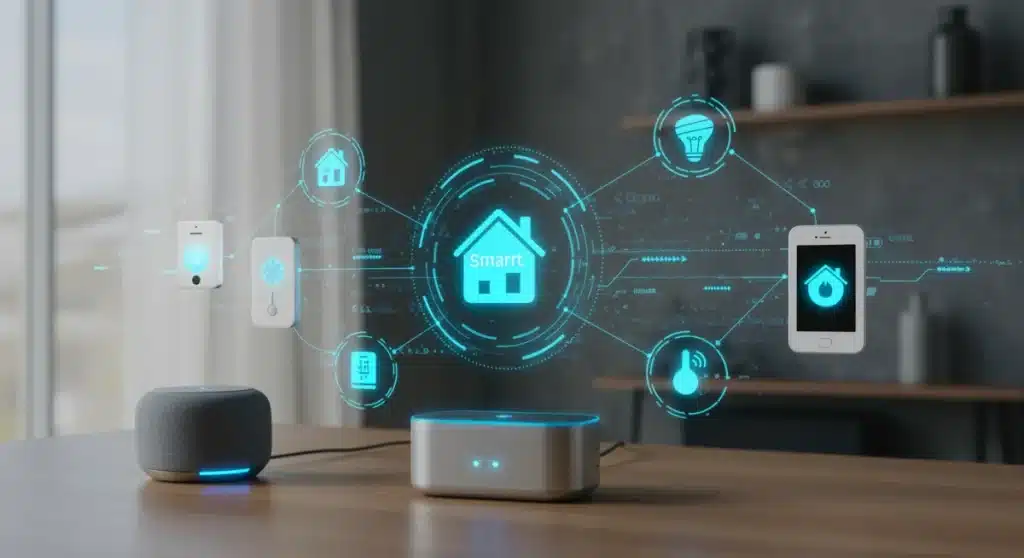
Your smart home hub is the brain of your connected ecosystem. It’s the central point that communicates with all your smart devices, from lights and thermostats to security cameras and door locks. A well-functioning hub ensures seamless automation, quick responses, and reliable performance. However, like any technology, hubs can become outdated, struggling to keep up with newer protocols, larger device networks, or more complex automation routines. This comprehensive guide will delve into the critical indicators that suggest it’s time for a smart home hub upgrade, walk you through the benefits of making the switch, and provide a detailed roadmap for a smooth transition in 2026.
Why Consider a Smart Home Hub Upgrade in 2026?
The year 2026 marks a significant point in the smart home evolution, driven by several key factors that make a smart home hub upgrade particularly compelling. Understanding these drivers is crucial for making an informed decision.
The Rise of Matter and Thread
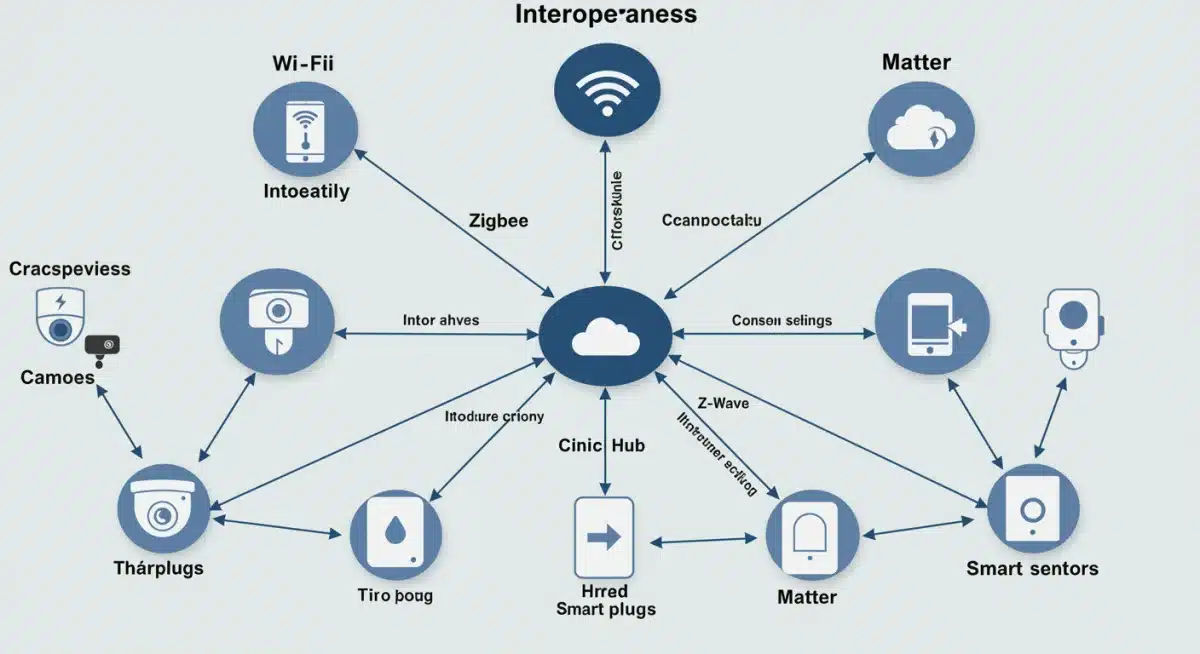
Perhaps the most impactful development is the widespread adoption and maturation of new industry standards like Matter and Thread. Matter, a royalty-free connectivity standard, aims to unify the smart home by allowing devices from different manufacturers to work together seamlessly. Thread, a low-power mesh networking protocol, provides a robust and reliable foundation for Matter devices. By 2026, we expect a vast array of devices to be Matter-certified and Thread-enabled, making a hub that fully supports these protocols essential for maximum compatibility and future expandability. Older hubs might offer limited or no support, leading to a fragmented and frustrating user experience.
Enhanced Security Features
Cybersecurity threats are constantly evolving, and smart home devices are no exception. Newer smart home hubs often incorporate advanced security features, including stronger encryption, secure boot processes, and more robust authentication methods. An outdated hub could be a potential vulnerability, leaving your home network and personal data exposed. A smart home hub upgrade in 2026 means benefiting from the latest security protocols, offering greater peace of mind.
Improved Performance and Responsiveness
As you add more devices to your smart home, the demands on your hub increase. Older hubs with less powerful processors and limited memory can become sluggish, leading to delays in command execution, unreliable automations, and overall frustration. Modern hubs are designed with more powerful hardware, capable of handling a larger number of devices and more complex routines with greater speed and efficiency. If your lights are slow to respond or your scenes take too long to activate, it might be a clear sign that your current hub is struggling.
Greater Interoperability and Ecosystem Flexibility
The smart home market is no longer dominated by a few closed ecosystems. With Matter leading the charge, consumers have more choices than ever when it comes to device selection. A newer hub, especially one that is Matter-certified, will provide unparalleled interoperability, allowing you to mix and match devices from various brands without compatibility headaches. This flexibility is invaluable for building the smart home that perfectly suits your needs and preferences, without being locked into a single manufacturer’s offerings.
New Features and Capabilities
Beyond core functionality, new hubs often introduce innovative features that enhance the smart home experience. These can include advanced local processing for faster automations, improved energy monitoring, more sophisticated AI-driven routines, and better integration with voice assistants. A smart home hub upgrade can unlock these new possibilities, making your home truly smarter and more responsive to your lifestyle.
Key Indicators It’s Time for a Smart Home Hub Upgrade
While the general trends point towards an opportune time for an upgrade, specific signs within your own smart home can confirm that it’s time to make the switch. Pay attention to these red flags:
Frequent Disconnections and Unreliability
If your smart devices are constantly dropping offline, failing to respond, or behaving erratically, your hub might be at its limit. This is especially true if you’ve recently expanded your smart home setup. An overworked or outdated hub struggles to maintain stable connections with all devices, leading to a frustrating and unreliable experience.
Slow Automation Execution
One of the primary benefits of a smart home is automation. If your automated routines (e.g., lights turning on when you enter a room, thermostat adjusting based on schedule) are noticeably delayed or fail to execute consistently, your hub’s processing power might be inadequate. A responsive hub ensures your automations work flawlessly, adding true convenience to your daily life.
Limited Device Compatibility
Are you finding it difficult to add new, desirable smart devices to your existing setup because your hub doesn’t support their protocols (e.g., Matter, Thread, newer versions of Zigbee/Z-Wave)? This is a strong indicator that your hub is becoming obsolete. A smart home hub upgrade opens doors to a wider range of modern devices.
Lack of Security Updates
Manufacturers eventually cease supporting older hardware, which means an end to critical security patches and firmware updates. Running a hub without ongoing security support is a significant risk. Check your hub’s manufacturer website for information on its end-of-life status. If it’s no longer receiving updates, an upgrade is imperative.
Poor Performance with Voice Assistants
While voice assistants like Alexa, Google Assistant, and Siri primarily rely on cloud processing, their integration with your local smart home hub is crucial for seamless control. If you experience delays or failures when issuing voice commands to your smart devices, it could be a bottleneck at the hub level, especially if it’s struggling to communicate quickly with the cloud or local devices.
Desire for Advanced Features
Do you wish your smart home could do more? Perhaps you want more sophisticated energy monitoring, complex conditional automations, advanced local processing capabilities, or better integration with other services. If your current hub lacks these features and isn’t expected to receive them through firmware updates, it’s a good reason to consider a smart home hub upgrade.
Choosing Your New Smart Home Hub in 2026
The market for smart home hubs is diverse, with various options catering to different needs and technical proficiencies. When considering your smart home hub upgrade, keep the following factors in mind:
Protocol Support (Matter, Thread, Zigbee, Z-Wave, Wi-Fi, Bluetooth)
This is paramount. Your new hub should ideally support Matter and Thread for future-proofing. Additionally, consider what existing devices you have. If you have many Zigbee or Z-Wave devices, ensure the new hub has radios for those protocols. Most hubs will also support Wi-Fi and Bluetooth for direct device connections and setup.
Ecosystem Compatibility (Apple HomeKit, Google Home, Amazon Alexa)
If you’re already deeply invested in a particular smart home ecosystem (e.g., Apple HomeKit for iOS users, Google Home for Android users), choose a hub that offers robust integration with your preferred platform. Many modern hubs are designed to work across multiple ecosystems, providing flexibility.
Local vs. Cloud Processing
A hub that can process automations locally (on the device itself, rather than relying on the cloud) offers faster response times and continued functionality even if your internet connection goes down. This is a significant advantage for critical automations like security or lighting. Look for hubs that emphasize local control capabilities.
User Interface and Ease of Use
How intuitive is the hub’s app? Can you easily create scenes, automations, and manage devices? Some hubs are designed for beginners, while others offer more advanced features for power users. Choose one that matches your technical comfort level.
Expandability and Scalability
Consider your future smart home plans. Does the hub support a large number of devices? Can it integrate with third-party services and platforms? A scalable hub will grow with your needs, preventing another premature smart home hub upgrade.
Security Features
Reiterate the importance of robust security. Look for hubs with strong encryption, regular firmware updates, and privacy-focused policies. Two-factor authentication for hub access is also a must.

Popular Smart Home Hub Options in 2026 (Examples)
While specific models change rapidly, here are categories and examples of hubs that are likely to be leading the pack in 2026, focusing on their strengths:
Dedicated Smart Home Hubs (e.g., Hubitat, SmartThings)
- Hubitat Elevation: Known for its strong local processing capabilities, extensive device support (Zigbee, Z-Wave, Matter via update), and powerful automation engine. Ideal for users who prioritize privacy and local control.
- Aeotec Smart Home Hub (SmartThings): Offers broad protocol support (Zigbee, Z-Wave, Wi-Fi, Matter) and a user-friendly app. Benefits from a large community and extensive device compatibility, blending cloud and local processing.
Ecosystem-Centric Hubs (e.g., Apple HomePod Mini, Google Nest Hub, Amazon Echo)
- Apple HomePod Mini / Apple TV 4K: Serve as Matter and Thread border routers for HomeKit ecosystems. Excellent for users deeply integrated into the Apple ecosystem, offering strong privacy and seamless integration with Siri.
- Google Nest Hub Max / Google Nest Wi-Fi Pro: Function as Matter controllers and Thread border routers within the Google Home ecosystem. Great for voice control via Google Assistant and visual dashboards for smart home management.
- Amazon Echo (4th Gen and newer): Many Echo devices now include Zigbee hubs and Thread border router capabilities, making them versatile for Alexa users. They integrate seamlessly with Amazon’s vast ecosystem of smart devices and services.
DIY and Open-Source Options (e.g., Home Assistant)
- Home Assistant: For the technically inclined, Home Assistant offers unparalleled customization, privacy, and control. It can run on a Raspberry Pi or a dedicated server, supporting virtually every smart home protocol and device imaginable. It requires more setup but offers ultimate flexibility.
Step-by-Step Guide: Performing Your Smart Home Hub Upgrade
A smart home hub upgrade can seem daunting, but with a structured approach, it can be a smooth process. Follow these steps:
1. Inventory Your Current Devices
Before you buy anything new, list every smart device you own. Note its brand, model, and the protocol it uses (e.g., Zigbee, Z-Wave, Wi-Fi, Bluetooth). This inventory is crucial for ensuring compatibility with your new hub and planning the migration.
2. Research and Select Your New Hub
Based on your device inventory, desired features, and ecosystem preferences, research and choose a new smart home hub. Prioritize Matter and Thread support for future-proofing. Read reviews, compare features, and ensure it meets your specific needs.
3. Plan Your Migration Strategy
Decide whether you’ll migrate all devices at once or in stages. For larger setups, a phased approach can minimize disruption. Consider setting up the new hub alongside the old one initially, allowing you to test devices on the new system before decommissioning the old one.
4. Backup Your Current Hub’s Configuration (If Possible)
Some hubs allow you to export your settings, rules, and device lists. While you likely won’t be able to import this directly into a new hub, it serves as a valuable reference for recreating your automations.
5. Install and Configure Your New Hub
Follow the manufacturer’s instructions to set up your new hub. Connect it to your network, update its firmware, and perform any initial configuration steps. Ensure it has a stable internet connection if required, and is centrally located for optimal wireless range.
6. Pair Devices to the New Hub (One by One)
This is the most time-consuming part. You’ll generally need to unpair devices from your old hub (or perform a factory reset) before they can be paired with the new one. Start with critical devices (e.g., lights in high-traffic areas) and work your way through your inventory. Test each device as you pair it to ensure it’s functioning correctly.
7. Recreate Automations and Scenes
Once your devices are paired, recreate your smart home automations, rules, and scenes on the new hub. Use your backup or notes from your old hub as a reference. Test each automation thoroughly to ensure it triggers as expected.
8. Test Everything Extensively
Don’t rush this step. Live with your new setup for a few days or even a week, monitoring performance and reliability. Test all voice commands, manual controls, and automated routines. Address any issues that arise. This thorough testing is key to a successful smart home hub upgrade.
9. Decommission Your Old Hub
Once you’re confident that your new hub is fully functional and all devices are migrated, you can safely decommission your old hub. Consider factory resetting it before recycling or reselling.
Maximizing Performance After Your Upgrade
A new hub is just the beginning. To truly achieve optimal performance, consider these additional tips:
Optimize Network Connectivity
Ensure your Wi-Fi network is robust and your hub is strategically placed to maximize signal strength to all devices. Consider a mesh Wi-Fi system if you have a large home. For Thread and Zigbee networks, remember that powered devices (lights, smart plugs) act as repeaters, extending the network’s range and reliability. Distribute them strategically.
Regular Firmware Updates
Always keep your hub’s firmware and device firmware up to date. Updates often include performance improvements, bug fixes, and critical security patches. Enable automatic updates if available, or make it a routine to check for them manually.
Streamline Automations
Review your automations periodically. Remove any redundant or unused routines. Complex automations with many conditions can sometimes strain a hub, so try to keep them as efficient as possible. Leverage local processing capabilities for critical and frequently used automations.
Monitor Device Health
Many hubs provide tools to monitor the health and status of your connected devices. Keep an eye on battery levels, signal strength, and connectivity issues. Proactively address problems before they impact your smart home’s performance.
Consider Backup Power
For critical smart home functions (e.g., security, essential lighting), consider connecting your hub and modem/router to an Uninterruptible Power Supply (UPS). This ensures your smart home remains operational during power outages, providing continuous control and security.
Explore Advanced Integrations
Once your core smart home is stable, explore advanced integrations with other services. This could include linking your smart home to weather apps for climate control, integrating with calendar apps for scheduling, or using IFTTT (If This Then That) for highly customized routines. A modern hub will offer more robust integration options.
The Future of Smart Home Hubs Beyond 2026
While this guide focuses on a smart home hub upgrade in 2026, it’s worth briefly looking ahead. The trend is towards even greater integration, intelligence, and autonomy. We can expect future hubs to feature:
- More powerful AI and Machine Learning: Enabling hubs to learn your habits more effectively, anticipate your needs, and make proactive adjustments without explicit programming.
- Enhanced edge computing: Performing more complex data analysis and decision-making directly on the hub, reducing reliance on cloud services and improving privacy.
- Seamless multi-hub environments: For very large homes or complex setups, the ability for multiple hubs to work in perfect harmony, distributing workload and extending coverage.
- Greater energy efficiency and sustainability: Hubs designed to minimize power consumption and help users reduce their overall energy footprint.
- Advanced biometric integration: More secure and personalized access and control based on facial recognition, fingerprint scanning, or voice biometrics.
Investing in a modern, future-proof hub now will position your smart home to easily adapt to these exciting advancements.
Conclusion: Embrace the Evolution of Your Smart Home
A smart home hub upgrade in 2026 isn’t merely a technical chore; it’s an opportunity to revitalize your connected living space, unlock new possibilities, and ensure your home remains intelligent, secure, and responsive for years to come. By understanding the driving forces behind these upgrades – primarily the maturation of Matter and Thread, alongside advancements in security and performance – you can make an informed decision.
Paying attention to the warning signs from your current setup, carefully selecting a new hub that aligns with your needs, and meticulously planning the migration process will ensure a smooth and successful transition. Embrace the evolution, and enjoy a smarter, more efficient, and more enjoyable smart home experience. Your home’s brain deserves the best, and 2026 is the ideal time to give it the upgrade it needs for optimal performance.