Smart Home Device Maintenance: 7 Essential 2025 Steps
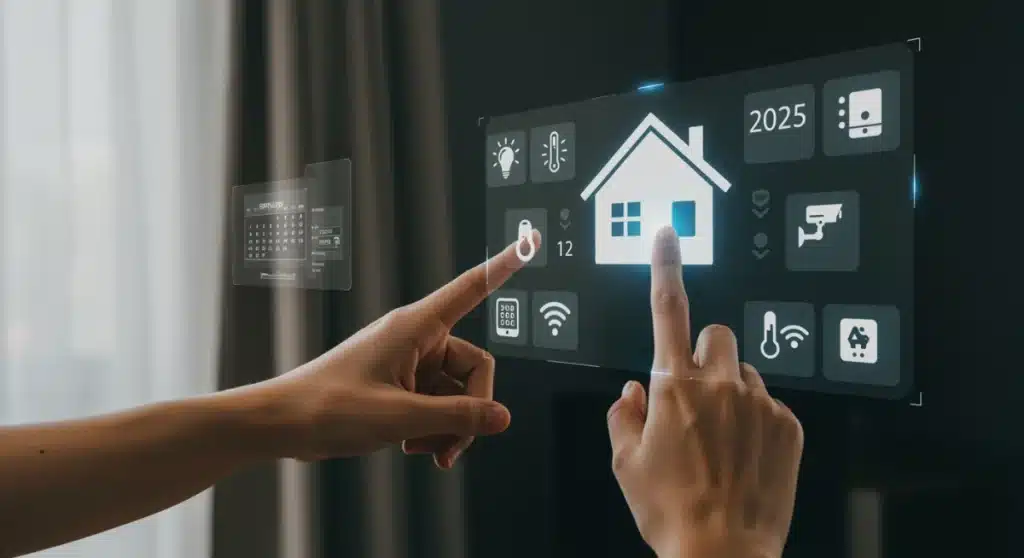
Maintaining smart home devices is essential for ensuring their optimal performance, security, and longevity, requiring a proactive approach to updates, cleaning, and connectivity management.
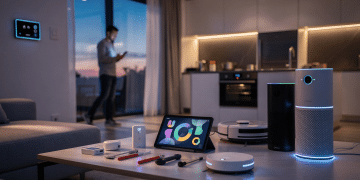
As our homes become increasingly integrated with technology, the need for proactive device care has never been more critical. This smart home maintenance checklist for 2025 offers practical, time-sensitive solutions to ensure your connected devices operate at their peak, safeguarding your investment and enhancing your daily life.
1. Regular Software and Firmware Updates
Keeping your smart home devices updated is fundamental to their security and functionality. Software and firmware updates often include critical security patches, performance enhancements, and new features that keep your ecosystem robust and efficient. Neglecting these updates can leave your devices vulnerable to cyber threats and can lead to compatibility issues with other components of your smart home.
Manufacturers consistently release updates to address newly discovered vulnerabilities and to improve overall user experience. It’s not just about adding new bells and whistles; it’s primarily about maintaining a secure and reliable connection. Think of it as regularly servicing your car; you wouldn’t skip an oil change, so why would you skip essential digital maintenance?
Automating updates for peace of mind
Many smart devices offer the option to automate updates. Enabling this feature can save you time and ensure your devices are always running the latest software without manual intervention. However, it’s wise to occasionally check update logs or notifications to confirm updates have been successfully applied.
- Check device settings: Access each device’s app or web interface to find update options.
- Enable automatic updates: Where available, turn on auto-update features.
- Review release notes: Understand what new features or fixes are included in each update.
- Schedule manual checks: For devices without auto-update, set a reminder for monthly checks.
Failing to update can result in sluggish performance, unexpected bugs, or even complete device failure. Prioritizing this step in your smart home maintenance checklist ensures your devices remain compatible with evolving standards and offer the best possible experience for years to come. It’s a simple, yet powerful way to protect your digital investment.
2. Physical Cleaning and Inspection of Devices
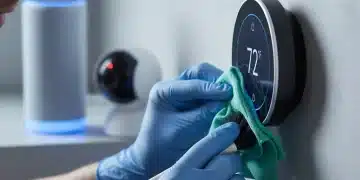
While often overlooked, the physical cleanliness of your smart devices plays a significant role in their performance and longevity. Dust and grime can accumulate on sensors, vents, and charging ports, leading to overheating, reduced accuracy, or even complete malfunction. A regular physical inspection can also help identify early signs of wear and tear, preventing minor issues from escalating into costly repairs.
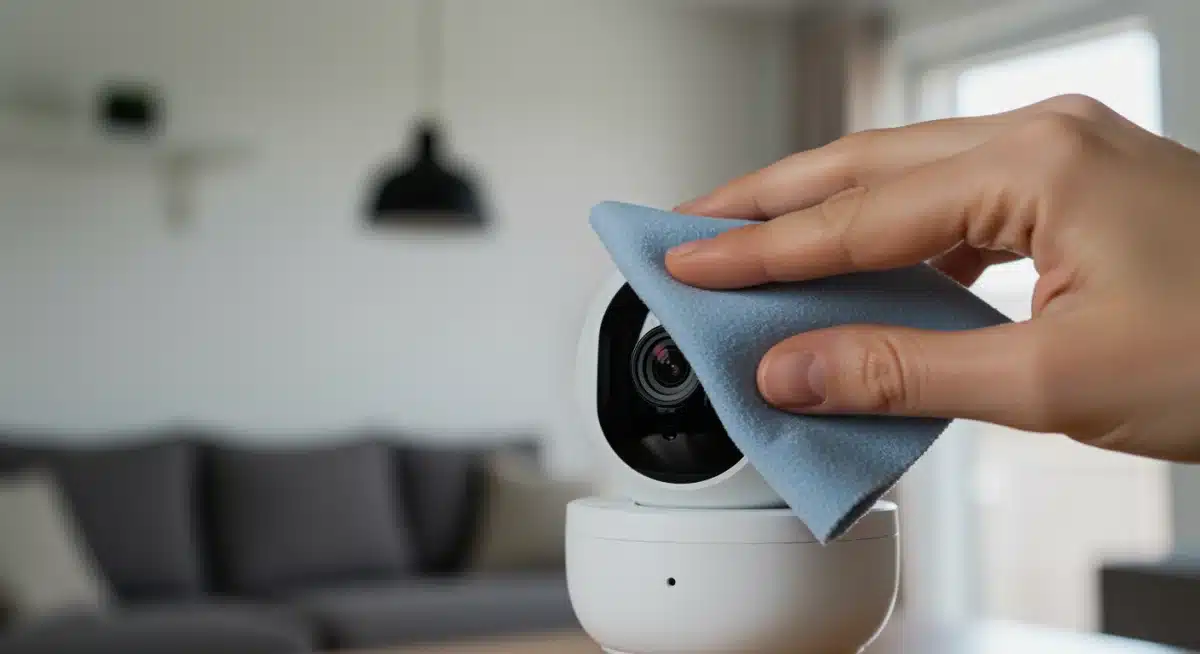
Consider devices like smart cameras, which rely on clear lenses for optimal image quality, or smart thermostats, whose sensors can be obstructed by dust. Even smart speakers can suffer from muffled audio if their grilles become clogged. A quick, gentle cleaning can make a noticeable difference in their operational efficiency.
Best practices for safe cleaning
Always use appropriate cleaning materials to avoid damaging sensitive electronics. Microfiber cloths are ideal for screens and lenses, while compressed air can dislodge dust from hard-to-reach crevices without direct contact. Avoid harsh chemicals or abrasive materials, which can strip protective coatings or cause irreparable damage.
- Unplug devices: Always disconnect power before cleaning.
- Use microfiber cloths: Ideal for screens, lenses, and general surfaces.
- Compressed air: Perfect for vents, ports, and intricate areas.
- Avoid liquids: Never spray cleaners directly onto devices; apply to a cloth first.
Regular physical maintenance not only keeps your devices looking pristine but also ensures their internal components can function without impediment. This proactive approach to cleanliness is a cornerstone of effective smart home device maintenance, extending the lifespan of your gadgets and maintaining their optimal functionality.
3. Network Optimization and Wi-Fi Health Check
The backbone of any smart home is its network. A robust and stable Wi-Fi connection is crucial for all your devices to communicate effectively and perform their functions seamlessly. Poor network performance can lead to frustrating delays, dropped connections, and unreliable automation. Regularly checking your network’s health is a vital component of any comprehensive smart home maintenance checklist.
Issues such as Wi-Fi dead zones, signal interference, or an overloaded network can significantly degrade your smart home experience. Identifying and addressing these problems proactively will ensure your devices respond instantly and consistently, enhancing both convenience and security.
Steps to improve network health
Start by checking your router’s placement; centrally located and unobstructed is usually best. Consider upgrading to a mesh Wi-Fi system if you have a large home or many devices. Regularly restarting your router can also clear temporary glitches and improve performance. Additionally, ensure your router’s firmware is up to date, just like your smart devices.
- Router placement: Position centrally, away from obstructions and other electronics.
- Upgrade Wi-Fi: Consider mesh systems for larger homes or numerous devices.
- Router reboot: Perform a weekly or monthly restart to clear caches.
- Check for interference: Identify and mitigate sources like microwaves or cordless phones.
- Update router firmware: Ensure your router has the latest security and performance enhancements.
By dedicating time to network optimization, you are not just maintaining your Wi-Fi; you are fortifying the entire foundation of your smart home ecosystem. A strong, stable network ensures that every command is executed swiftly and every device operates as intended, making it an indispensable part of your smart home maintenance strategy.
4. Battery Management and Replacement
Many smart home devices rely on batteries, whether they are rechargeable or disposable. These batteries are often critical for the device’s primary function, such as motion sensors, door/window sensors, or even some smart locks. Ignoring battery health can lead to unexpected device failures, leaving your home vulnerable or disrupting your automated routines. Proactive battery management is a key aspect of preventing these disruptions.
Battery performance degrades over time, affecting reliability and lifespan. Regularly checking battery levels and replacing them before they completely drain is a simple yet effective way to ensure continuous operation. This is especially important for security devices where consistent power is non-negotiable.
Tips for optimal battery care
For rechargeable devices, try to avoid letting them completely discharge too often, as this can reduce their overall lifespan. For disposable batteries, always have replacements on hand and consider using high-quality, long-lasting options. Setting calendar reminders for battery checks can help you stay on top of this task.
- Monitor battery levels: Use device apps to check battery status regularly.
- Replace proactively: Don’t wait for devices to die; replace batteries when low.
- Use quality batteries: Invest in reputable brands for reliability and longevity.
- Calibrate rechargeable devices: Follow manufacturer guidelines for charging cycles.
Effective battery management is a critical step in your smart home maintenance checklist, ensuring that all your devices, particularly those crucial for safety and security, remain operational when you need them most. A small effort in battery care can prevent significant inconvenience and potential risks.
5. Reviewing and Adjusting Automation Routines
Smart home automation is designed to simplify your life, but over time, your needs and preferences can change. Routines that once worked perfectly might become inefficient, irrelevant, or even annoying. Regularly reviewing and adjusting your automation routines ensures your smart home continues to serve you effectively, adapting to your evolving lifestyle.
This includes checking scheduled events, conditional triggers, and device interactions. Perhaps you’ve changed your daily schedule, added new devices, or removed old ones. An outdated automation can lead to wasted energy, unnecessary alerts, or simply a less intuitive home environment.
Streamlining your smart home experience
Take some time to go through each of your automated scenes and rules. Are they still relevant? Are they optimized for energy efficiency? Do they integrate new devices you’ve recently added? This periodic review helps to declutter your smart home system and ensure everything is working in harmony.
- Evaluate existing routines: Confirm each automation still meets your needs.
- Optimize for efficiency: Adjust schedules to save energy or enhance convenience.
- Integrate new devices: Update routines to include recently added smart gadgets.
- Remove obsolete automations: Delete routines that are no longer necessary.
By committing to a regular review of your automation routines, you ensure your smart home remains a truly intelligent and responsive system, tailored precisely to your current preferences. This step in your smart home maintenance checklist transforms your automated home from a static setup into a dynamic, evolving ecosystem.
6. Security Audit and Privacy Settings Check
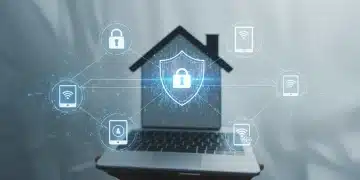
In an increasingly connected world, the security and privacy of your smart home devices are paramount. A comprehensive security audit is not just about protecting your data; it’s about safeguarding your physical home and personal information from unauthorized access. This crucial step in your smart home maintenance checklist involves reviewing passwords, access permissions, and privacy settings across all your devices.
Weak passwords or open privacy settings can create vulnerabilities that malicious actors could exploit. Given the sensitive nature of data collected by smart devices—from camera feeds to voice recordings—ensuring robust security measures is non-negotiable for peace of mind.
Fortifying your smart home’s defenses
Start by changing default passwords immediately upon installation. Implement strong, unique passwords for each device and use a password manager to keep track of them. Enable two-factor authentication (2FA) wherever available for an added layer of security. Regularly review who has access to your smart home system and revoke permissions for outdated accounts or individuals who no longer need access.
- Strong, unique passwords: Use complex passwords for every device and account.
- Two-factor authentication (2FA): Enable this feature for enhanced security.
- Review access permissions: Regularly check who has access to your smart home.
- Privacy settings: Adjust settings to limit data collection and sharing.
- Guest network segregation: Isolate smart devices on a separate network if possible.
A thorough security and privacy check is an ongoing commitment, not a one-time task. By making it a regular part of your smart home maintenance, you significantly reduce the risk of cyber threats and ensure your personal information remains secure, solidifying the trustworthiness of your connected environment.
7. Backup and Data Management Strategies
Even with the most meticulous maintenance, hardware can fail, or data can be corrupted. Having a robust backup and data management strategy in place for your smart home devices is a crucial safety net. This involves understanding what data your devices store, where it’s stored, and how to recover it if something goes wrong. This foresight is a cornerstone of comprehensive smart home device maintenance.
From recorded security footage to personalized settings and automation rules, much of your smart home’s intelligence relies on digital data. Losing this information could mean significant inconvenience, re-configuration efforts, or even the loss of irreplaceable memories or critical security logs.
Protecting your digital smart home assets
Identify which devices store data locally and which rely on cloud services. For cloud-based data, understand the provider’s backup policies. For local data, explore options for manual backups or external storage. Consider how you would restore your system in the event of a device replacement or a complete system reset.
- Identify data storage: Know where your device data resides (local or cloud).
- Understand cloud policies: Familiarize yourself with your cloud service provider’s backup and retention.
- Local data backups: Implement manual backup procedures for critical local data.
- Document configurations: Keep records of complex settings and automation rules.
- Test recovery plans: Periodically simulate a data loss scenario to ensure readiness.
Implementing a solid backup and data management strategy completes your smart home maintenance checklist, providing peace of mind that your valuable settings and data are protected. This proactive approach minimizes downtime and ensures a swift recovery from unforeseen incidents, keeping your smart home running smoothly without interruption.
| Key Maintenance Task | Brief Description |
|---|---|
| Software Updates | Regularly update firmware for security and performance. |
| Physical Cleaning | Clean sensors, lenses, and vents to prevent malfunctions. |
| Network Health | Optimize Wi-Fi for stable and reliable device communication. |
| Security Audit | Review passwords and privacy settings to prevent unauthorized access. |
Frequently Asked Questions About Smart Home Maintenance
Ideally, a comprehensive smart home maintenance check should be performed quarterly. However, some tasks like software updates and battery level checks might be needed more frequently, even monthly. Physical cleaning can be done as needed, depending on the device’s environment and usage.
Neglecting maintenance can lead to several risks, including security vulnerabilities due to outdated software, reduced device performance, shorter device lifespan, and unreliable automation. These issues can compromise your home’s security, convenience, and energy efficiency, costing more in the long run.
Yes, many aspects can be automated. Enabling automatic software updates is a great start. Additionally, some smart home platforms offer features to monitor device health and battery levels, sending alerts when attention is needed. However, physical cleaning and security audits still require manual intervention.
Absolutely. Your router is the central hub for all your smart devices. Keeping its firmware updated ensures optimal network performance, enhances security against new threats, and improves compatibility with newer smart home technologies. It’s a critical step for a stable and secure smart home ecosystem.
To improve Wi-Fi, ensure your router is centrally located and unobstructed. Consider upgrading to a mesh Wi-Fi system for larger homes to eliminate dead zones. Also, identify and minimize interference from other electronics. Regular router reboots can also help optimize signal strength and stability for your devices.
Conclusion
Proactive smart home maintenance is an investment in the longevity, security, and efficiency of your connected living space. By diligently following this 7-step smart home maintenance checklist for 2025, you ensure your devices operate flawlessly, your data remains secure, and your automated routines continue to simplify your life. Embracing these practical solutions will not only enhance your smart home experience but also protect your technological investments for years to come, making your home truly intelligent and resilient. Regular care fosters a seamless and secure smart environment.