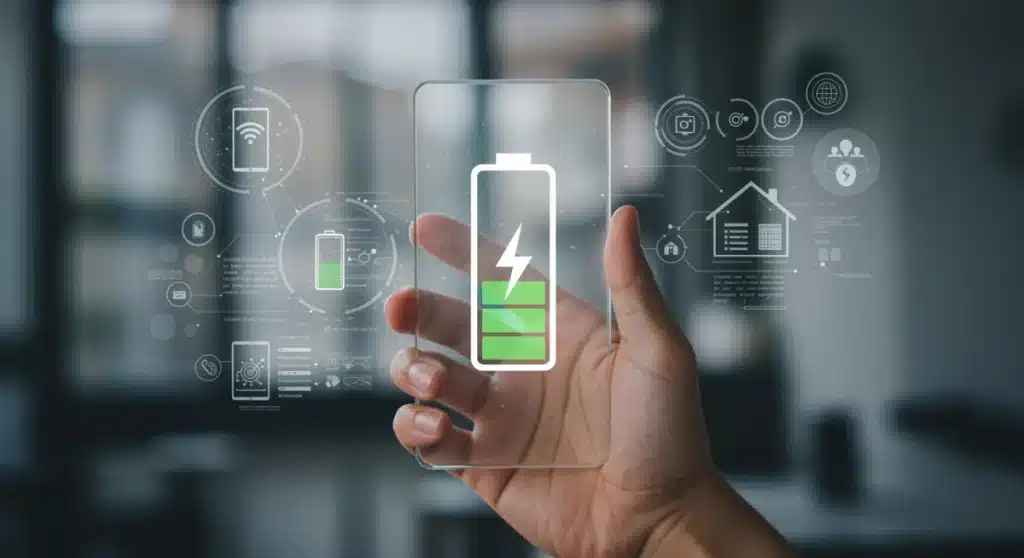
In an increasingly connected world, our reliance on smart devices has grown exponentially. From smartphones and smartwatches to tablets and smart home gadgets, these devices have become integral to our daily lives. However, one persistent challenge continues to plague users: battery life. As we step into 2026, the demand for longer-lasting power is more critical than ever. Imagine gaining an extra 30% of usage from your beloved gadgets without constantly searching for a power outlet. This comprehensive guide will delve into practical advice, cutting-edge strategies, and future technologies to help you significantly extend your smart device battery life in 2026, ensuring you stay connected and productive for longer.
The evolution of smart devices has brought incredible capabilities to our fingertips. High-resolution screens, powerful processors, advanced sensors, and ubiquitous connectivity all contribute to an unparalleled user experience. Yet, these very features are also the primary culprits behind rapid battery drain. The quest for extended smart device battery life isn’t just about convenience; it’s about efficiency, sustainability, and maximizing the utility of our expensive investments. This article is your definitive resource for achieving remarkable battery longevity, focusing on actionable steps you can implement today and preparing you for the innovations of tomorrow.
Understanding Battery Degradation and Longevity Factors
Before diving into optimization techniques, it’s crucial to understand how batteries work and what factors contribute to their degradation. Most smart devices today use Lithium-ion (Li-ion) or Lithium-polymer (Li-Po) batteries. These batteries offer high energy density and a relatively long cycle life, but they are not immune to wear and tear. Over time, chemical changes occur within the battery, reducing its capacity and overall efficiency. This process is known as battery degradation.
Key Factors Affecting Battery Longevity:
- Charge Cycles: A charge cycle is one full discharge to 0% and a full recharge to 100%. Li-ion batteries typically have a finite number of charge cycles before their capacity significantly diminishes. Frequent partial charges are generally better than full cycles.
- Temperature: Extreme temperatures, both hot and cold, are detrimental to battery health. High temperatures can accelerate chemical degradation, while very low temperatures can temporarily reduce capacity.
- Charging Habits: Constantly charging to 100% and letting it drop to 0% can stress the battery. Maintaining a charge between 20% and 80% is often recommended for optimal longevity.
- High Discharge Rates: Demanding applications and intense usage patterns that rapidly drain the battery can also contribute to faster degradation.
- Age: Even if unused, batteries degrade over time due to internal chemical reactions.
By understanding these fundamentals, we can adopt habits and utilize technologies that mitigate these negative impacts, thereby extending the overall smart device battery life.
Software Optimization: The First Line of Defense for Your Smart Device Battery Life
Many battery drains stem from software inefficiencies and misconfigurations. Optimizing your device’s software settings is often the easiest and most impactful way to gain significant battery life. Here’s how to do it in 2026:
1. Screen Settings: The Biggest Power Hog
- Brightness Control: Reduce screen brightness as much as possible, especially indoors. Auto-brightness is helpful but often sets the screen brighter than necessary. Manually adjusting it can save a lot of power.
- Screen Timeout: Set your screen to turn off after the shortest comfortable period (e.g., 15-30 seconds). Every second the screen is on consumes power.
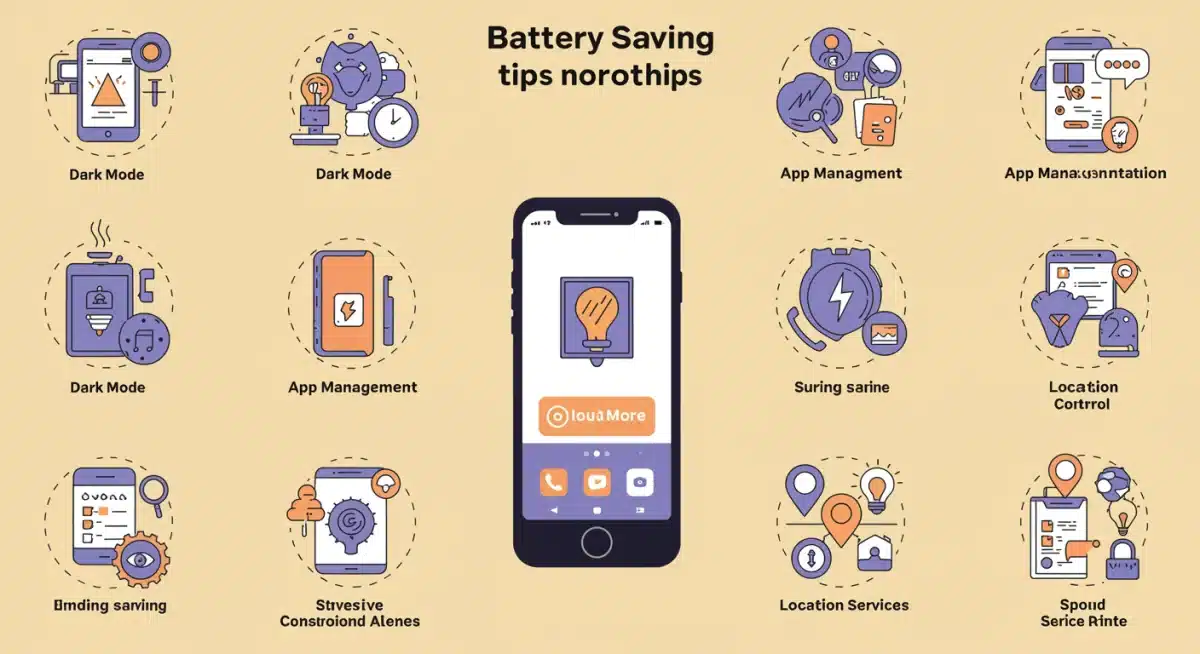
- Dark Mode (OLED/AMOLED screens): If your device has an OLED or AMOLED display, enabling dark mode can significantly extend smart device battery life. These screens turn off individual pixels to display black, consuming no power for those areas.
- Refresh Rate: Many modern devices offer high refresh rates (90Hz, 120Hz, or even higher). While smoother, these consume more power. If your device has an adaptive refresh rate, ensure it’s enabled. Otherwise, consider switching to a standard 60Hz for routine tasks.
2. App Management: Taming Background Processes
- Identify Battery-Draining Apps: Regularly check your device’s battery usage statistics in settings. This will show you which apps are consuming the most power, both in active use and in the background.
- Restrict Background Activity: For apps that don’t need constant updates (e.g., games, social media apps you don’t check frequently), restrict their background data usage and refresh capabilities. Most operating systems offer granular control over this.
- Disable Unused Apps: If you have apps you rarely use, consider uninstalling them or disabling them to prevent them from running in the background.
- Update Apps: Developers often release updates that include battery optimizations. Keep your apps updated to benefit from these improvements.
3. Connectivity Optimization: Smart Usage of Radios
- Wi-Fi vs. Cellular Data: When available, Wi-Fi generally consumes less power than cellular data, especially in areas with poor cellular signal. Prioritize Wi-Fi.
- Bluetooth: Turn off Bluetooth when not actively using it. While modern Bluetooth Low Energy (BLE) is efficient, keeping it constantly searching for devices still drains power.
- Location Services: Many apps request location access. Review which apps truly need this and set permissions to ‘Only while using the app’ or ‘Ask next time’ for others. Turn off precise location when not required.
- NFC: If your device has NFC (Near Field Communication), disable it when not making contactless payments or pairing.
- Airplane Mode: When in areas with no signal or when you don’t need connectivity (e.g., during a flight or sleep), enable airplane mode to save substantial battery life.
4. System Settings & Features: Fine-Tuning for Efficiency
- Power Saving Modes: Utilize your device’s built-in power-saving modes. These modes typically reduce CPU speed, limit background processes, and adjust screen settings to conserve power. Modern power-saving modes are much more sophisticated than their predecessors, offering customizable profiles.
- Vibration & Haptics: Haptic feedback and vibration motors consume a surprising amount of power. Turn off keyboard vibrations, haptic feedback for navigation gestures, and reduce notification vibrations where possible.
- Push Notifications: While convenient, constant push notifications wake your device and consume data. Review your notification settings and disable non-essential ones.
- Widgets & Live Wallpapers: Animated wallpapers and numerous widgets constantly update and consume resources. Opt for static wallpapers and fewer, essential widgets.
- Software Updates: Keep your device’s operating system updated. Manufacturers frequently release updates that include critical battery optimizations and bug fixes.
Hardware & Usage Habits: Physical Care and Smart Interactions
Beyond software tweaks, how you physically interact with and care for your devices plays a significant role in preserving smart device battery life.
1. Optimal Charging Practices: Preserving Battery Health
- Avoid Extreme Charges: As mentioned, try to keep your battery between 20% and 80%. This ‘sweet spot’ minimizes stress on the battery’s chemistry. Modern devices often have features like ‘Optimized Battery Charging’ or ‘Adaptive Charging’ that learn your habits and slow down charging to 100% until just before you need it, which is excellent for battery health.
- Use Quality Chargers: Always use the charger and cable that came with your device or reputable third-party alternatives. Cheap, uncertified chargers can be inefficient, potentially causing overheating and damaging the battery.
- Avoid Overheating During Charging: Don’t charge your device under pillows or in direct sunlight. If your device feels excessively warm during charging, remove its case to aid heat dissipation.
- Fast Charging Moderation: While convenient, frequent fast charging can generate more heat, which is not ideal for long-term battery health. Use it when necessary, but for overnight charging, a slower charge might be preferable if your device offers that option.
2. Temperature Management: The Silent Killer
- Avoid Direct Sunlight: Never leave your device in direct sunlight, especially in a car. High temperatures are the number one enemy of Li-ion batteries.
- Extreme Cold: While less damaging than heat, extreme cold can temporarily reduce battery capacity and performance. Avoid prolonged exposure to freezing temperatures.
- Ventilation: When performing demanding tasks (gaming, video editing), ensure your device has adequate ventilation. If it’s in a thick case, consider removing it temporarily.
3. Physical Device Maintenance: Keeping it Clean
- Clean Charging Port: Dust and lint can accumulate in the charging port, preventing a proper connection and potentially causing inefficient charging or overheating. Regularly clean it gently with a non-conductive tool like a wooden toothpick or compressed air.
Advanced Strategies and Future Technologies for 2026
Beyond the basics, 2026 brings new technologies and more sophisticated approaches to extending smart device battery life.
1. AI-Powered Battery Management
Modern operating systems are increasingly incorporating AI and machine learning to optimize battery usage. These systems learn your usage patterns, predict when you’ll need power, and intelligently manage background tasks, app refresh rates, and even CPU throttling to conserve energy without you having to lift a finger. Ensure these adaptive battery features are enabled on your devices.
2. Edge Computing and Offloading
As devices become more powerful, they also become more capable of processing data locally. However, for highly intensive tasks, some devices are leveraging edge computing. By offloading complex computations to nearby servers or powerful local hubs, the device itself can reduce its workload, leading to significant power savings. This trend is expected to grow, especially for AR/VR and advanced AI applications.
3. More Efficient Hardware Components
Manufacturers are continuously innovating to create more power-efficient components:
- Processors: Chipmakers like Apple, Qualcomm, and MediaTek are focusing heavily on increasing performance per watt. Expect more efficient chip architectures in 2026 that deliver powerful performance with less battery drain.
- Displays: New display technologies, including more advanced OLED panels and potentially microLED, will offer better energy efficiency while maintaining stunning visuals.
- Modems: 5G modems are becoming more efficient, but the next generation will further refine power consumption, especially as networks become more widespread and optimized.
4. Solid-State Batteries and Beyond
While still largely in the R&D phase for consumer electronics, solid-state batteries are a promising future. They offer higher energy density, faster charging, and improved safety compared to traditional Li-ion batteries. While mass adoption in smartphones might be a few years away, expect to see early implementations in specialized devices or smaller wearables by 2026-2027, revolutionizing smart device battery life.
5. Advanced Wireless Charging and Reverse Wireless Charging
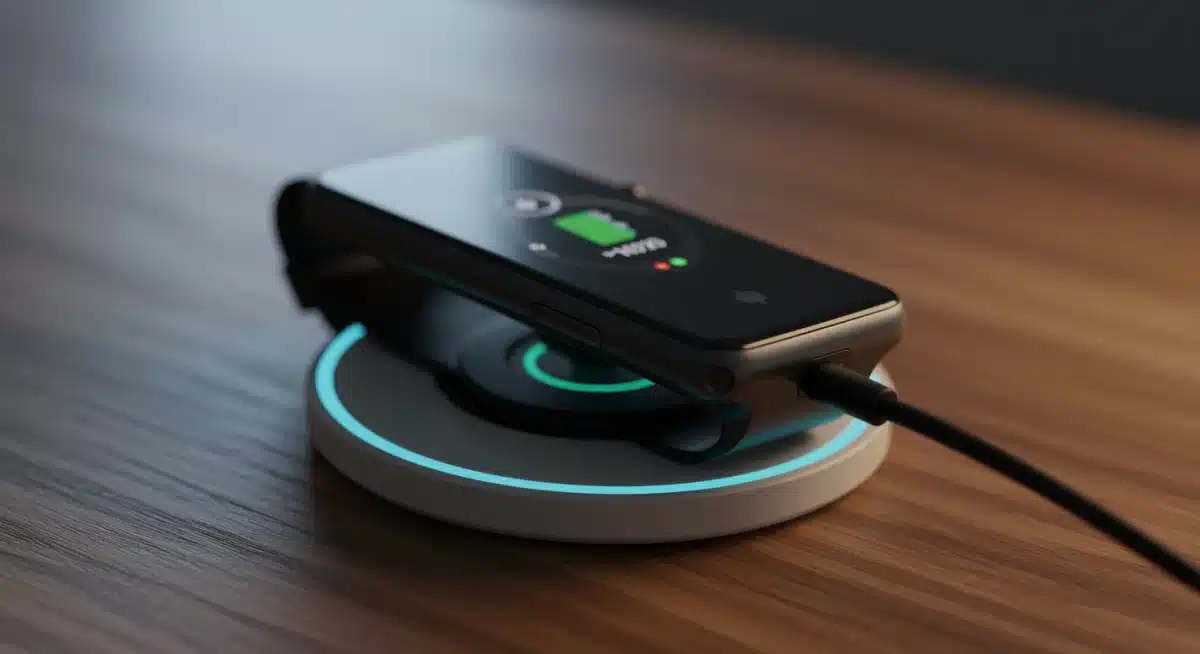
Wireless charging continues to improve in efficiency and speed. Furthermore, reverse wireless charging (allowing your phone to charge other devices) is becoming more common. While useful, remember that any wireless power transfer involves some energy loss. Use it judiciously to avoid unnecessary drain on your main device’s battery.
Specific Strategies for Different Smart Devices
While many tips apply universally, some devices have unique considerations for extending their smart device battery life.
Smartphones & Tablets: Your Primary Companions
- Gaming & Streaming: These are major battery drains. Reduce graphics settings for games, download content for offline viewing instead of streaming, and use headphones instead of the loudspeaker when possible.
- Facial Recognition/Fingerprint Scanners: While convenient, these sensors are always on standby. If battery is critical, consider switching to a PIN or pattern, though the power saving is minimal compared to other factors.
- Always-On Display (AOD): If your phone has an AOD, it consumes a small but continuous amount of power. Disable it if you prioritize battery over glanceable information.
Smartwatches & Wearables: Powering Your Health and Fitness
- Heart Rate Monitoring: Continuous heart rate monitoring is a significant power consumer. Adjust it to ‘On-demand’ or ‘Every 10 minutes’ instead of ‘Continuous’ if you don’t need constant tracking.
- GPS Usage: GPS is a huge battery drain. Limit its use to when you’re actively tracking workouts.
- Watch Faces: Animated or highly graphical watch faces consume more power than simple, static ones. Opt for minimalist designs to preserve smart device battery life.
- Notifications: Manage which app notifications appear on your wrist. Every vibration and screen wake-up drains power.
- Sleep Tracking: Many wearables offer advanced sleep tracking. While beneficial, ensure it’s optimized and not excessively draining power during the night when your device could be charging.
Smart Home Devices: Sustaining Your Connected Ecosystem
- Optimized Wi-Fi Placement: Ensure your smart home hubs and devices have a strong Wi-Fi signal. Weak signals force devices to work harder, consuming more power.
- Firmware Updates: Regularly update the firmware of your smart home devices. Manufacturers often release updates that improve power management.
- Scheduling: Utilize scheduling features for lights, thermostats, and other devices to ensure they are only active when needed.
- Battery-Powered Sensors: For sensors (door, motion, temperature) that run on disposable batteries, choose high-quality, long-lasting brands. Consider rechargeable options where feasible.
The Environmental and Economic Impact of Extended Battery Life
Extending your smart device battery life isn’t just about personal convenience; it has significant environmental and economic implications. When batteries last longer, devices remain usable for extended periods, reducing the frequency of upgrades and the demand for new manufacturing. This translates to:
- Reduced E-Waste: Less frequent device replacement means less electronic waste ending up in landfills.
- Lower Carbon Footprint: Manufacturing new devices, especially batteries, is energy-intensive. Extending usage cycles helps reduce the overall carbon footprint.
- Cost Savings: For consumers, holding onto a device for longer means saving money on frequent upgrades. For businesses, it can reduce operational costs associated with device procurement and management.
- Resource Conservation: Extracting raw materials for batteries (like cobalt and lithium) has environmental costs. Longer-lasting batteries mean less demand for these finite resources.
By adopting the strategies outlined in this guide, you’re not only improving your personal user experience but also contributing to a more sustainable and responsible technological future. The collective effort to extend smart device battery life can lead to substantial positive impacts on a global scale.
Troubleshooting Persistent Battery Drain
Even with all optimizations, you might encounter persistent battery drain. Here are some troubleshooting steps:
- Restart Your Device: A simple reboot can often fix temporary software glitches causing drain.
- Check for Malicious Apps: Occasionally, poorly coded or malicious apps can cause excessive battery consumption. Uninstall any suspicious apps.
- Factory Reset: As a last resort, a factory reset can resolve deep-seated software issues. Remember to back up your data first.
- Battery Health Check: Many devices offer built-in battery health checks (e.g., iPhone’s ‘Battery Health’). If your battery health is significantly degraded (e.g., below 80% maximum capacity), it might be time for a battery replacement.
- Professional Diagnosis: If all else fails, consult a professional technician. There might be a hardware issue with the battery or other components.
Conclusion: Powering Your Future with Extended Smart Device Battery Life
Achieving an additional 30% of smart device battery life in 2026 is not merely an aspiration; it’s an achievable goal through a combination of diligent software optimization, smart charging habits, and leveraging emerging technologies. From the fundamental principles of battery degradation to the nuances of AI-powered management and advanced hardware, every aspect plays a crucial role.
By consciously managing your screen settings, taming background apps, optimizing connectivity, and adopting intelligent charging routines, you can dramatically improve the longevity and daily performance of your gadgets. As technology continues to evolve, so too will the methods for efficient power management. Staying informed and proactive is key to ensuring your smart devices remain reliable companions throughout your day.
Embrace these strategies, and you’ll not only enjoy extended usage but also contribute to a more sustainable tech ecosystem. Your smart devices are powerful tools; empower them to serve you longer and more efficiently, starting today.