Smart Lighting Installation 2026: Avoid 3 Common Mistakes for a Flawless Setup
The Ultimate 2026 Guide to Smart Lighting Installation: Avoid 3 Common Mistakes
Welcome to the future of home illumination! In 2026, smart lighting has evolved beyond a mere novelty, becoming an essential component of modern, efficient, and comfortable living. From setting the perfect ambiance for a dinner party to enhancing home security, the possibilities are virtually endless. However, embarking on your smart lighting installation journey can be daunting, and without proper guidance, it’s easy to stumble into common pitfalls that can lead to frustration, wasted money, and a less-than-smart experience.
This comprehensive guide is designed to equip you with the knowledge and foresight needed to achieve a flawless smart lighting installation in 2026. We’ll delve into the critical steps, introduce you to the latest technologies, and, most importantly, highlight three common mistakes that homeowners frequently make, so you can avoid them entirely. By the end of this article, you’ll be ready to transform your home with intelligent lighting that truly works for you.
Understanding the Smart Lighting Landscape in 2026
Before diving into the nuts and bolts of smart lighting installation, it’s crucial to grasp the current state of smart lighting technology. 2026 brings advancements in connectivity, energy efficiency, and user-friendliness that were unimaginable just a few years ago.
Key Trends and Technologies
- Matter and Thread Connectivity: These new interoperability standards are game-changers, promising seamless integration across different brands and ecosystems. No more worrying about whether your bulbs will talk to your hub!
- Advanced Sensors: Beyond motion detection, 2026 smart lighting systems often integrate with ambient light sensors, occupancy sensors, and even air quality monitors, allowing for truly adaptive and responsive illumination.
- AI-Powered Personalization: Machine learning algorithms are now capable of learning your habits and preferences, automatically adjusting lighting based on time of day, your activities, and even your mood.
- Energy Efficiency at its Core: LED technology continues to improve, offering brighter lights with even less power consumption, further reducing your utility bills.
- Voice Control and Automation: Integration with virtual assistants like Alexa, Google Assistant, and Siri is more robust than ever, enabling effortless control and complex automation routines.
With these innovations, the potential for a truly intelligent home environment is immense. But to unlock this potential, a well-executed smart lighting installation is paramount.
Mistake #1: Skipping Comprehensive Planning and Compatibility Checks
One of the most frequent and costly errors in smart lighting installation is a lack of upfront planning. Many homeowners get excited about the idea of smart lights, buy a few bulbs, and then discover they don’t work together, or their existing infrastructure isn’t suitable. This leads to frustration, returns, and often, giving up on the smart home dream altogether.
Why Planning is Crucial
Your smart lighting system is an ecosystem. Just like a real ecosystem, all its components need to work in harmony. Without a clear plan, you risk:
- Incompatible Devices: Not all smart bulbs work with all hubs, switches, or voice assistants.
- Network Overload: Too many devices on a weak Wi-Fi network can cause slow response times or dropped connections.
- Insufficient Coverage: Dead zones in your home where smart signals can’t reach.
- Unexpected Costs: Realizing you need additional hardware (hubs, bridges, smart switches) after you’ve already invested in bulbs.
- Limited Functionality: Your system might work, but it won’t offer the advanced features you envisioned.
How to Avoid This Mistake: Your Pre-Installation Checklist
- Define Your Goals: What do you want your smart lighting to achieve? (e.g., energy savings, mood lighting, security, convenience). This will guide your product choices.
- Assess Your Current Setup:
- Existing Fixtures: What type of bulbs do they use (E26, GU10, candelabra)? Are they dimmable?
- Wiring: Do you have neutral wires in your switch boxes if you plan to install smart switches? This is critical for many smart switch models.
- Wi-Fi Network: Is your Wi-Fi strong and reliable throughout your home? Consider upgrading your router or adding range extenders if necessary.
- Choose Your Ecosystem: Are you leaning towards Philips Hue, Lutron Caseta, Kasa Smart, or a platform like Apple HomeKit, Google Home, or Amazon Alexa? Sticking to one primary ecosystem for your core lighting will simplify smart lighting installation and management. Matter and Thread are making this less rigid, but choosing a primary platform is still wise for advanced features.
- Check Device Compatibility: Once you’ve chosen an ecosystem, verify that every bulb, switch, and sensor you intend to purchase is compatible with it. Look for “Works with [Your Ecosystem]” labels, or check the manufacturer’s compatibility lists.
- Map Out Your Home: Draw a simple floor plan. Mark where you want smart lights, which rooms need smart switches, and where your hub (if required) will be located. This helps visualize coverage and identify potential signal issues.
- Budget Appropriately: Smart lighting can be an investment. Factor in not just the bulbs, but also hubs, smart switches, and any necessary network upgrades.
By investing time in this initial planning phase, you lay a solid foundation for a successful and satisfying smart lighting installation.
Mistake #2: Overlooking Network Stability and Configuration
The backbone of any smart home, especially smart lighting, is your home network. Many homeowners underestimate the demands smart devices place on Wi-Fi and Bluetooth, leading to connectivity issues, slow response times, and an overall unreliable system. A poor network can turn your smart lights into ‘dumb’ lights faster than anything else.
Why Network Stability Matters
- Reliable Communication: Smart lights constantly communicate with your hub or router. A weak signal means dropped commands and unresponsive lights.
- Speed and Responsiveness: You want your lights to respond instantly to commands, not after a noticeable delay.
- Firmware Updates: Smart devices receive over-the-air updates. A stable connection ensures these critical updates are installed smoothly, providing new features and security patches.
- Integration with Other Devices: Your smart lighting likely interacts with other smart devices (thermostats, security cameras). A robust network facilitates this seamless communication.
How to Avoid This Mistake: Optimize Your Network
- Upgrade Your Router: If your router is more than a few years old, consider upgrading to a modern Wi-Fi 6 (or even Wi-Fi 7 if available and within budget) router. These offer better speeds, more capacity for multiple devices, and improved range.
- Consider a Mesh Wi-Fi System: For larger homes or those with many dead zones, a mesh Wi-Fi system provides consistent coverage throughout your entire property, eliminating signal drop-offs.
- Understand 2.4 GHz vs. 5 GHz: Most smart lighting devices (especially bulbs) operate on the 2.4 GHz band because it offers better range and penetration through walls. Ensure your router’s 2.4 GHz band is enabled and performing well. While 5 GHz is faster, its range is shorter and it’s less effective through obstacles, making it less ideal for many smart home devices.
- Reduce Interference: Position your router centrally and away from other electronics that might cause interference (microwaves, cordless phones, large metal objects).
- Assign Static IPs (Optional but Recommended for Advanced Users): For critical smart home devices, assigning a static IP address can sometimes improve reliability by preventing IP address conflicts on your network.
- Use a Dedicated Smart Home Hub (If Applicable): Many smart lighting systems (like Philips Hue) use a dedicated hub (bridge) that connects directly to your router. This offloads traffic from your main Wi-Fi network and often uses more robust protocols like Zigbee or Z-Wave, which are designed for mesh networking among smart devices, creating a more stable and responsive system.
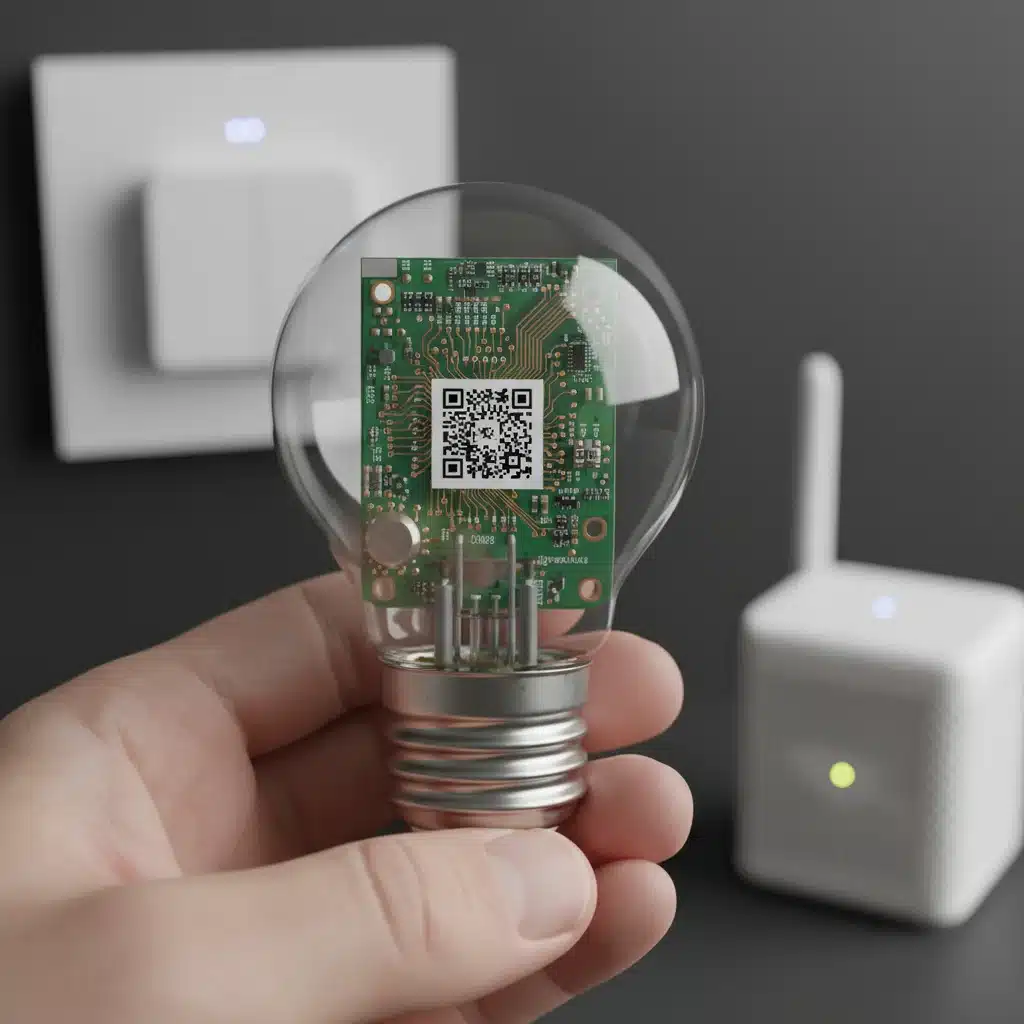
Ensuring a strong and stable network is not just about speed; it’s about reliability and responsiveness, which are key to a satisfying smart lighting installation experience.
Mistake #3: Neglecting Proper Smart Switch and Dimmer Selection
While smart bulbs are popular, many homeowners overlook the importance of smart switches and dimmers. Simply replacing all your traditional bulbs with smart bulbs can lead to frustrating limitations, especially when someone accidentally flips a wall switch, cutting power to your ‘smart’ bulb and rendering it offline and uncontrollable via your app or voice assistant.
Why Smart Switches and Dimmers are Essential
- Maintain Power to Smart Bulbs: A smart switch ensures that even when the light is ‘off’ at the wall, the smart bulb still receives power, allowing it to remain connected to your network and respond to app or voice commands.
- Traditional Control & Smart Control Harmony: They offer the best of both worlds: the tactile satisfaction of a physical switch for guests or quick actions, combined with the advanced features of smart control.
- Cost-Effectiveness for Large Areas: For rooms with multiple recessed lights, a single smart dimmer switch can control all of them, which can be more cost-effective than replacing every single bulb with a smart bulb.
- Enhanced Dimming Capabilities: Smart dimmers often provide smoother, more precise dimming than traditional dimmers, and many can be programmed with specific light levels for different scenes.
- Aesthetics: Maintaining the look of traditional wall switches can be important for some home aesthetics, and many smart switches blend in seamlessly.
How to Avoid This Mistake: Choose Wisely
- Understand Neutral Wire Requirements: This is perhaps the biggest hurdle. Many smart switches require a neutral wire in the switch box to function. Without it, you’ll be limited to specific (and often more expensive or less feature-rich) smart switches that don’t require one, or you’ll need an electrician to run one. Check your wiring before buying!
- Decide Between Smart Bulbs + Always-On Switch vs. Smart Switch + Dumb Bulbs:
- Smart Bulbs + Always-On Switch: If you want color-changing or tunable white light, smart bulbs are necessary. Pair them with smart switches that can be configured to always supply power to the bulbs, acting as remote controls for the smart bulbs rather than power interrupters. Many smart ecosystems offer specific companion switches for their bulbs (e.g., Philips Hue Dimmer Switch).
- Smart Switch + Dumb Bulbs: If you only need on/off and dimming functionality for standard white lights, a smart dimmer switch controlling traditional (but dimmable) LED bulbs can be a simpler and more economical solution.
- Consider Protocol: Z-Wave and Zigbee smart switches are generally more reliable and create a mesh network, extending the range of your smart home. Wi-Fi switches are easier to install (no hub needed) but can put more strain on your Wi-Fi network.
- Professional Installation for Complex Wiring: If you’re unsure about your home’s wiring or the installation process for smart switches, it’s always best to consult or hire a qualified electrician. Incorrect wiring can be dangerous.
Integrating smart switches into your smart lighting installation plan will significantly enhance the user experience and prevent common frustrations associated with smart bulbs losing power.
Beyond the Mistakes: Best Practices for Smart Lighting Installation in 2026
Avoiding the common pitfalls is just the beginning. To truly master your smart lighting installation, consider these best practices that will elevate your smart home experience.
Step-by-Step Installation Process
- Unpack and Familiarize: Read all manuals before starting. Understand each component.
- Physical Installation:
- Bulbs: Simply screw in smart bulbs into existing fixtures.
- Switches/Dimmers: Turn off power at the breaker! Carefully remove old switches, identify wires (line, load, neutral, ground), and install the new smart switch following manufacturer instructions. If in doubt, call an electrician.
- Hubs/Bridges: Connect your hub to your router via an Ethernet cable (if applicable) and power it on.
- Network Connection:
- Hub-based systems: Your hub will connect to your router. You’ll then ‘discover’ and pair your smart bulbs and switches with the hub using its dedicated app.
- Wi-Fi Direct systems: Each device connects directly to your Wi-Fi network through its app, often requiring you to connect your phone to the device’s temporary Wi-Fi hotspot during setup.
- Initial Configuration: Use the manufacturer’s app to name your lights (e.g., “Living Room Lamp,” “Kitchen Overhead”), group them by room, and test basic on/off functionality.
- Integrate with Voice Assistants: Link your smart lighting system to your preferred voice assistant (Alexa, Google Assistant, Siri) through their respective apps. This usually involves enabling a skill or service.
- Create Scenes and Automations: This is where the magic happens! Set up scenes (e.g., “Movie Night” with dimmed lights and warm colors) and automations (e.g., lights turn on at sunset, turn off when you leave home).
Advanced Tips for a Seamless Smart Lighting Experience
- Firmware Updates: Regularly check for and install firmware updates for all your smart lighting devices. These updates often bring new features, performance improvements, and crucial security patches.
- Zoning Your Lighting: Think about your home in zones. Instead of one giant “all lights on” command, create zones for different activities or areas (e.g., reading nook, TV area, dining table).
- Utilize Sensors: Incorporate motion sensors, occupancy sensors, and even door/window sensors to trigger lights automatically. For instance, lights in a hallway can turn on when motion is detected and off after a period of inactivity.
- Scheduled Routines: Create schedules for your lights to mimic natural daylight, wake you up gently, or make your home appear occupied when you’re away.
- Energy Monitoring: Some smart lighting systems offer energy usage monitoring, allowing you to track how much power your lights consume and identify areas for further optimization.
- Backup Plan: Ensure there’s always a way to manually control your lights, even if your network goes down. This is where smart switches shine, as they often retain basic on/off functionality.
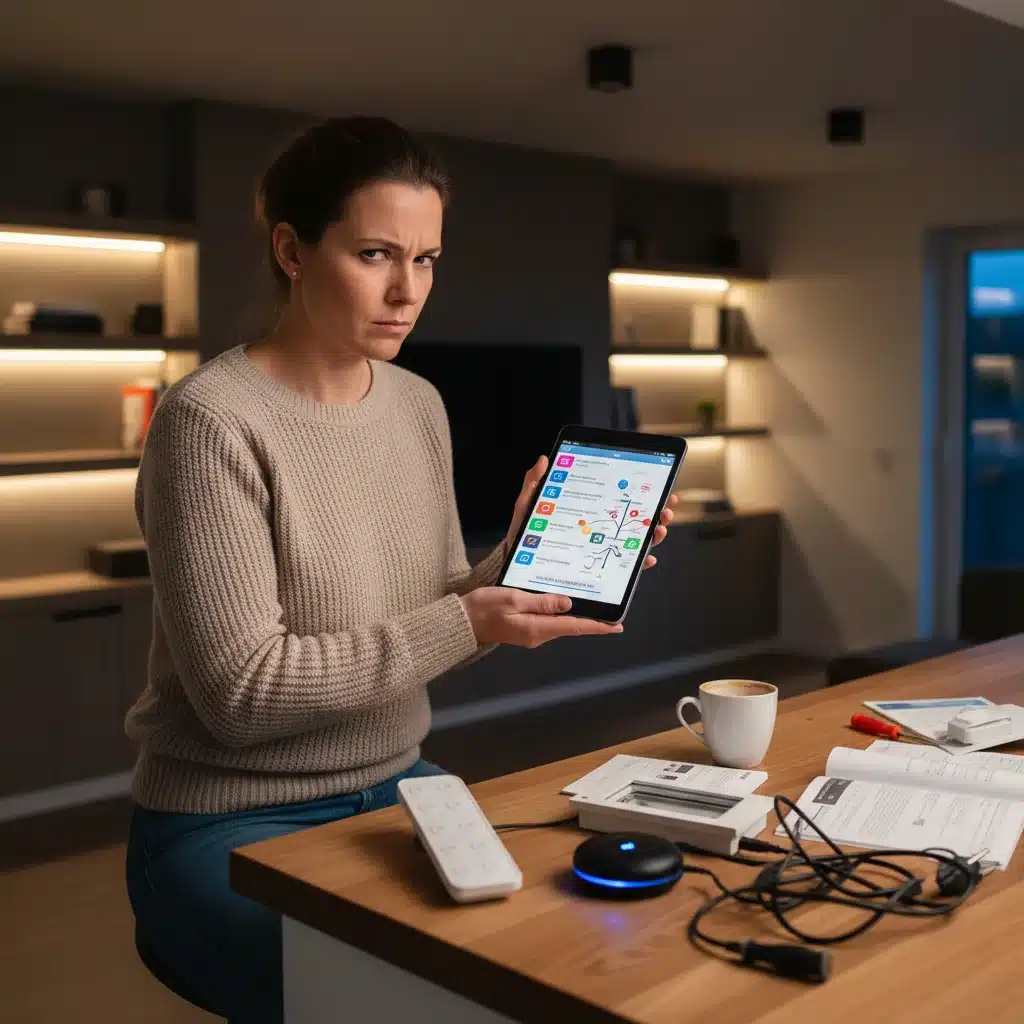
By following these best practices, your smart lighting installation will not only be functional but truly intelligent and integrated into your daily life.
Troubleshooting Common Smart Lighting Issues
Even with the best planning, sometimes issues arise. Here are quick solutions to common smart lighting problems:
- Lights Unresponsive:
- Check if the physical wall switch is on.
- Verify your Wi-Fi network or hub connection is stable.
- Restart the device (unplug/replug) or reset it if necessary (check manufacturer instructions).
- Ensure the device is within range of your router or hub.
- Flickering Lights:
- Ensure your smart bulbs are compatible with your dimmer switch (if using one).
- Some LED bulbs can flicker on traditional dimmers; consider a smart dimmer specifically designed for LEDs.
- Check for loose wiring connections if it’s a smart switch.
- Voice Control Not Working:
- Confirm your voice assistant is linked to your smart lighting system.
- Check if the device names are correctly recognized by the voice assistant.
- Ensure your voice assistant device has an active internet connection.
- Slow Response Times:
- Improve your Wi-Fi signal strength or consider a mesh network.
- Reduce network congestion by limiting the number of devices on your Wi-Fi.
- For hub-based systems, ensure the hub is optimally positioned.
A little patience and systematic troubleshooting can often resolve most smart lighting issues, allowing you to get back to enjoying your illuminated smart home.
The Future of Smart Lighting: What to Expect Post-2026
As we look further beyond 2026, the evolution of smart lighting promises even more integration and intelligence. Expect to see:
- Even Deeper AI Integration: Lights will not just react to your habits but anticipate your needs, adapting proactively based on predictive analytics of your daily routines, weather patterns, and even personal health data (with consent).
- Human-Centric Lighting (HCL) becoming mainstream: Systems that automatically adjust color temperature and brightness to support circadian rhythms, improving sleep, mood, and productivity will be standard in more homes.
- Visible Light Communication (VLC): Li-Fi technology, using light waves for data transmission, could turn every light fixture into a high-speed internet access point, seamlessly integrating data and illumination.
- Advanced Security Integration: Beyond simple motion-triggered lights, smart lighting will work in concert with advanced AI-powered security cameras and sensors to deter intruders more effectively and provide detailed alerts.
- Sustainable and Self-Sustaining Systems: Further advancements in energy harvesting and ultra-low power consumption will lead to smart lighting components that require minimal to no external power, reducing environmental impact.
The journey of smart lighting installation is an exciting one, constantly evolving to offer more comfort, efficiency, and intelligence to our living spaces. By understanding the current landscape and avoiding common mistakes, you’re not just installing lights; you’re building a foundation for a smarter, more responsive home.
Conclusion: Your Path to a Brilliantly Lit Smart Home
Successfully navigating the world of smart lighting installation in 2026 requires more than just buying the latest gadgets. It demands thoughtful planning, a solid understanding of network requirements, and a strategic approach to integrating various components, especially smart switches and dimmers. By diligently avoiding the three common mistakes outlined in this guide – skipping comprehensive planning, overlooking network stability, and neglecting proper smart switch selection – you set yourself up for success.
A well-executed smart lighting system doesn’t just illuminate your home; it transforms your living experience. It offers unparalleled convenience, enhances security, optimizes energy consumption, and creates an ambiance tailored precisely to your mood and activities. As technology continues to advance, the benefits of a truly intelligent lighting setup will only grow.
So, take the time to plan, prepare your network, and choose your devices wisely. Embrace the future of home illumination with confidence, and enjoy the brilliant, effortless control that a perfectly executed smart lighting installation brings to your home in 2026 and beyond. Your smart home journey starts with light, and with this guide, you’re well on your way to making it shine.