The 3-Step Smart Home Troubleshooting Workflow: A 2026 Guide to Quickly Resolve Connectivity Issues
In the ever-evolving landscape of smart homes, the convenience and automation they offer are unparalleled. From intelligent lighting systems that adapt to your mood to security cameras that keep a watchful eye on your property, and thermostats that learn your preferences, smart devices have become integral to modern living. However, with great innovation comes the inevitable challenge of maintenance, particularly when connectivity issues arise. When your smart home ecosystem falters, it can quickly turn from a marvel of technology into a source of frustration. The good news is that most common problems, especially those related to connectivity, can be resolved with a systematic approach. This comprehensive guide introduces a robust, 3-step smart home troubleshooting workflow designed for 2026 and beyond, empowering you to quickly diagnose and fix issues, ensuring your connected home runs smoothly and efficiently.
The year 2026 brings with it an even greater proliferation of interconnected devices, more complex networks, and higher expectations for seamless operation. As such, the need for an effective smart home troubleshooting methodology is more critical than ever. We’ll delve into a logical progression of steps that will help you pinpoint the root cause of problems, from simple glitches to more intricate network conflicts. This workflow isn’t just about fixing a single device; it’s about understanding the interconnectedness of your smart home and applying universal principles to maintain its optimal performance. Whether you’re a seasoned smart home enthusiast or just beginning to build your connected sanctuary, this guide will equip you with the knowledge and tools to confidently tackle any connectivity challenge.
Understanding the Smart Home Ecosystem: A Foundation for Troubleshooting
Before diving into specific troubleshooting steps, it’s crucial to have a foundational understanding of how your smart home ecosystem operates. A smart home isn’t just a collection of gadgets; it’s an intricate network where devices communicate with each other, your home network, and often, cloud services. This communication typically relies on various protocols such as Wi-Fi, Bluetooth, Zigbee, Z-Wave, and Matter. Each protocol has its strengths and weaknesses, and understanding which devices use which protocol can be a significant advantage in diagnosing issues.
Your home’s Wi-Fi network is almost always the central nervous system of your smart home. Most smart devices, even those using other protocols, often connect to a hub or bridge that then communicates with your Wi-Fi router. Therefore, a healthy and stable Wi-Fi network is paramount for a functional smart home. Factors like router placement, signal interference, network congestion, and outdated firmware can all contribute to connectivity problems. Recognizing these potential bottlenecks is the first step in effective smart home troubleshooting.
Furthermore, cloud services play an increasingly vital role. Many smart devices rely on external servers for control, automation, and data storage. If there’s an outage with a manufacturer’s cloud service, your devices might appear offline even if your local network is perfectly fine. This highlights the multi-layered nature of smart home connectivity, requiring a holistic approach to problem-solving. By grasping these fundamental concepts, you’ll be better prepared to navigate the complexities of your smart home and apply our 3-step workflow with greater precision.
The 3-Step Smart Home Troubleshooting Workflow: A Systematic Approach
Our recommended smart home troubleshooting workflow is designed to be efficient and effective, guiding you through a logical sequence of actions to identify and resolve connectivity issues. This systematic approach minimizes wasted time and helps you avoid unnecessary complex interventions. Each step builds upon the previous one, ensuring that simpler solutions are attempted before moving to more involved diagnostics.
Step 1: The Basic Reset & Recheck – The First Line of Defense
The vast majority of smart home connectivity issues can be resolved with simple resets. It might sound overly simplistic, but many glitches are temporary software hiccups or minor network communication errors that can be cleared by cycling power. This step is about isolating whether the problem is with the device itself, the network component directly connected to it, or a temporary system-wide anomaly.
1.1. Restart the Specific Smart Device
If a single smart device is acting up (e.g., a smart light won’t respond, a speaker is offline), the first thing you should do is restart it. This can often be done by unplugging it from power for 10-15 seconds and then plugging it back in. For battery-powered devices, you might need to remove and reinsert the batteries, or look for a physical reset button. This clears its temporary memory and re-establishes its connection to the network.
1.2. Restart Your Router and Modem
If multiple devices are experiencing issues, or if restarting a single device doesn’t work, the next logical step is to restart your entire home network. Unplug both your internet modem and your Wi-Fi router from power. Wait for at least 60 seconds (this is important to allow capacitors to fully discharge) before plugging the modem back in. Wait until the modem is fully online (all indicator lights are stable, typically 1-2 minutes) before plugging in your Wi-Fi router. Allow the router to fully boot up and establish its network (another 2-3 minutes). This refreshes IP addresses, clears network caches, and can resolve many intermittent connectivity problems.
1.3. Recheck Device Status and App Connectivity
After performing the restarts, check the status of your smart devices. Do they show as online in their respective apps? Can you control them? Sometimes, the issue is with the app itself. Try force-closing the smart home app on your smartphone or tablet and then reopening it. You can also try uninstalling and reinstalling the app if the problem persists and only affects app control, not device functionality.
This initial step is crucial because it’s the quickest path to resolution for common problems. Don’t underestimate the power of a simple restart; it’s the foundation of effective smart home troubleshooting.
Step 2: Network Diagnostics & Optimization – Diving Deeper into Connectivity
If Step 1 didn’t resolve the issue, it’s time to investigate your home network more thoroughly. Many smart home problems stem from network-related causes rather than faulty devices. This step focuses on identifying and mitigating common network challenges that affect smart device performance and connectivity.
2.1. Check Wi-Fi Signal Strength and Coverage
Poor Wi-Fi signal is a leading cause of smart device connectivity issues. Use your smartphone or a dedicated Wi-Fi analyzer app to check the signal strength in the areas where your smart devices are located. Walls, large appliances, and even water can attenuate Wi-Fi signals. Consider relocating your router to a more central location, or investing in a mesh Wi-Fi system or Wi-Fi extenders to improve coverage, especially for devices in distant rooms or on different floors. Devices that constantly drop connection might be suffering from insufficient signal.
2.2. Address Network Congestion and Interference
As the number of devices connected to your Wi-Fi grows, so does the potential for network congestion. Too many devices on a single band (especially 2.4 GHz, which most smart devices use) can slow things down or cause dropouts. Check your router’s settings to see if you can separate your 2.4 GHz and 5 GHz networks (giving them different names) and ensure your smart devices are connecting to the 2.4 GHz band. Also, consider changing your Wi-Fi channel. Other Wi-Fi networks from neighbors, microwaves, and cordless phones can cause interference. Your router’s administrative interface or a Wi-Fi analyzer app can help you identify less congested channels.
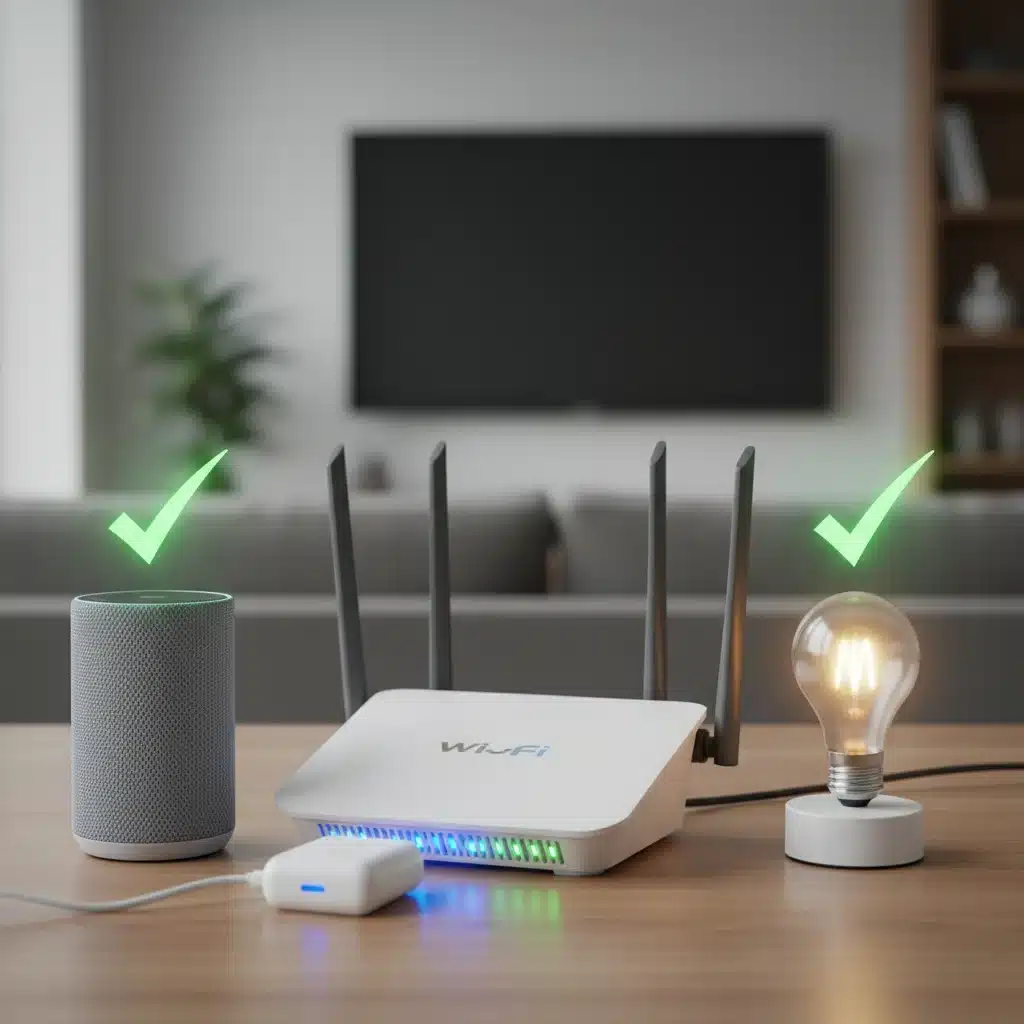
2.3. Verify IP Address Conflicts and DHCP Settings
Sometimes, two devices on your network might inadvertently be assigned the same IP address, leading to connectivity chaos. Most routers handle IP address assignment automatically via DHCP. If you’ve manually assigned static IP addresses to any devices, ensure they don’t conflict. A router restart (as in Step 1.2) often resolves temporary IP conflicts. If the problem persists, you might need to access your router’s administration page and check its DHCP lease table for anomalies, or even renew the DHCP lease for the problematic device.
2.4. Firmware Updates for Router and Hubs
Outdated firmware can introduce bugs, security vulnerabilities, and connectivity issues. Regularly check for and install firmware updates for your Wi-Fi router and any smart home hubs (e.g., Zigbee, Z-Wave hubs) you might have. Manufacturers frequently release updates that improve performance, add new features, and resolve known issues. This is a critical aspect of proactive smart home troubleshooting and maintenance.
Step 3: Device-Specific & Advanced Diagnostics – Pinpointing the Root Cause
If the first two steps haven’t yielded a solution, it’s time to get more specific and potentially delve into advanced diagnostics. This step focuses on issues that might be unique to a particular device, its integration, or more complex network configurations.
If the first two steps haven’t yielded a solution, it’s time to get more specific and potentially delve into advanced diagnostics. This step focuses on issues that might be unique to a particular device, its integration, or more complex network configurations.
3.1. Check Device Compatibility and Integration
Ensure that the problematic smart device is actually compatible with your smart home ecosystem (e.g., Google Home, Amazon Alexa, Apple HomeKit) and any hubs or bridges you are using. While Matter aims to standardize, older devices might have specific compatibility requirements. Double-check the manufacturer’s specifications and any integration guides. Sometimes, a device might appear to connect but not function correctly because of an integration mismatch.
3.2. Review App and Cloud Service Status
Is the issue truly local, or is it related to the manufacturer’s backend? Check the manufacturer’s website or social media channels for any reported service outages. Many smart home companies have status pages that provide real-time information on their cloud services. If their servers are down, your devices won’t respond, regardless of your local network health. This often requires patience until the service is restored.
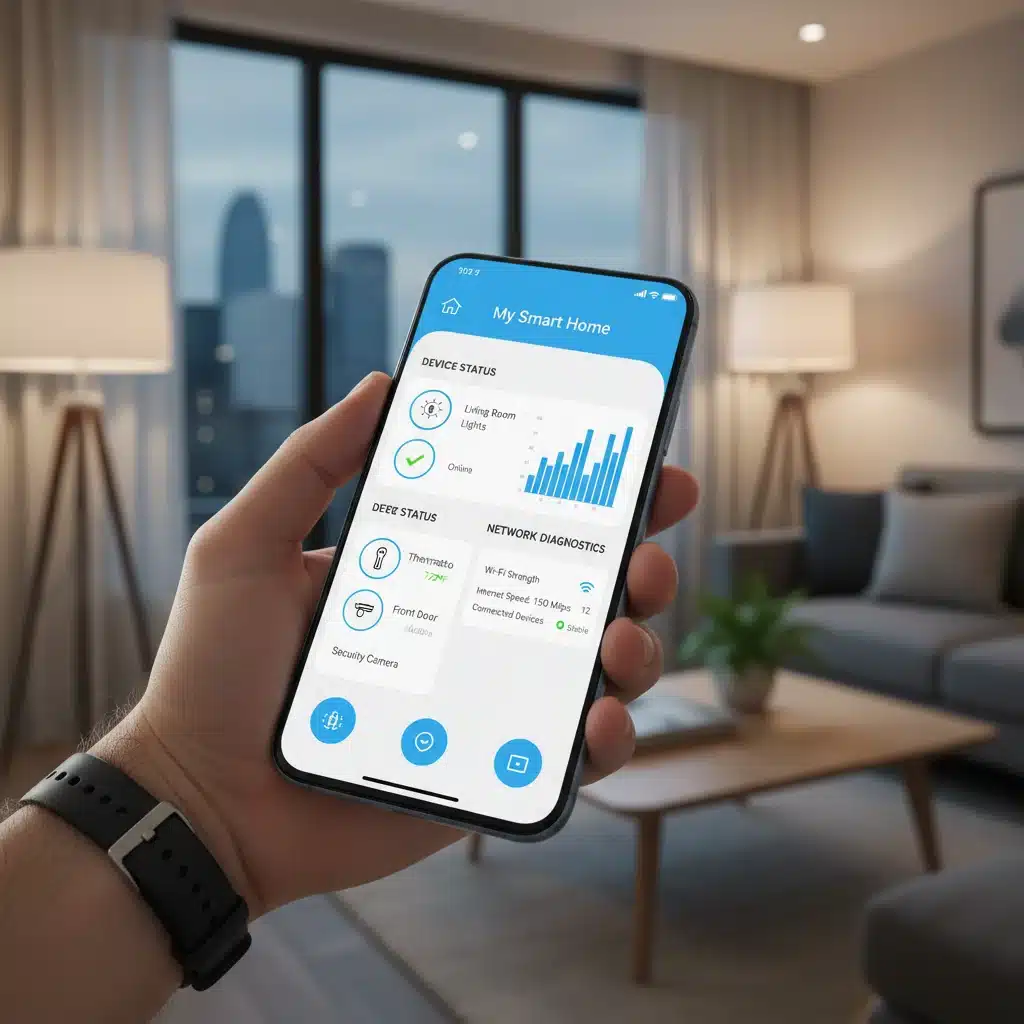
3.3. Factory Reset and Re-pairing
As a last resort for a persistently problematic device, a factory reset might be necessary. This will erase all settings and return the device to its out-of-the-box state. You’ll then need to go through the initial setup and pairing process again. This is often effective for resolving deep-seated software glitches within the device itself. Be aware that this means losing any custom settings, schedules, or automations associated with that device, so consider it a final option for a single device.
3.4. Consult Manufacturer Support and Community Forums
If you’ve exhausted all the above steps and the problem persists, it’s time to leverage external resources. Contact the manufacturer’s technical support. Provide them with a clear description of the problem, the troubleshooting steps you’ve already taken (following this workflow), and any error messages you’ve encountered. Additionally, search online community forums (e.g., Reddit’s r/smarthome, manufacturer-specific forums) for similar issues. Often, other users have experienced and solved the same problems, and you might find a solution or a workaround there.
Proactive Measures for a Resilient Smart Home in 2026
While this 3-step workflow is excellent for reactive smart home troubleshooting, adopting proactive habits can significantly reduce the frequency and severity of issues. Prevention is always better than cure, especially in a complex smart home environment.
Regular Network Health Checks
Make it a habit to periodically check your Wi-Fi network’s performance. Use tools or apps that monitor signal strength, identify congested channels, and track connected devices. Some modern routers offer built-in diagnostic tools that can provide valuable insights into your network’s health. Addressing minor issues before they escalate can prevent widespread outages.
Strategic Device Placement
When installing new smart devices, consider their proximity to your Wi-Fi router or smart home hub. Devices that rely on weaker signals (like some Zigbee or Z-Wave devices) benefit from being closer to their respective hubs. Avoid placing devices behind large metal objects or in signal-blocking enclosures. Thoughtful placement can dramatically improve reliability.
Firmware and Software Updates
As mentioned in our troubleshooting steps, keeping all your smart devices, hubs, and your router’s firmware up to date is paramount. Enable automatic updates where possible, but also manually check for updates regularly. These updates often contain critical bug fixes, performance improvements, and security patches that contribute to a stable and secure smart home.
Network Segmentation (Advanced Users)
For more advanced users, consider segmenting your network. Creating a separate guest Wi-Fi network or a dedicated IoT network can isolate your smart devices from your main personal computers and sensitive data. This enhances security and can also help manage network traffic, potentially improving the stability of your smart devices by reducing congestion on your primary network.
Power Management and Backup
Invest in uninterruptible power supplies (UPS) for critical smart home components like your router, modem, and main smart home hub. Power fluctuations or brief outages can cause devices to go offline or corrupt settings. A UPS provides a buffer, ensuring continuous operation and smoother restarts after power events, reducing the need for manual smart home troubleshooting.
Documentation of Your Smart Home
Keep a record of your smart home setup. This includes a list of all your devices, their associated apps, login credentials, network names (SSIDs), and passwords. Note down any custom configurations, static IP assignments, or specific troubleshooting steps that have worked for you in the past. This documentation will be invaluable when new issues arise or if you need to onboard a new family member or technician.
The Future of Smart Home Troubleshooting: AI and Self-Healing Networks
Looking ahead to 2026 and beyond, the landscape of smart home troubleshooting is set to evolve even further. Artificial intelligence (AI) and machine learning (ML) are already beginning to play a significant role in predictive maintenance and self-healing networks. Routers and smart home hubs are becoming smarter, capable of autonomously detecting anomalies, diagnosing potential issues, and even implementing solutions without user intervention.
Imagine a smart home system that can detect a weakening Wi-Fi signal to a particular device and automatically adjust router settings or suggest optimal placement. Or a system that can identify an impending device failure based on performance metrics and alert you before it completely goes offline. These advanced capabilities will transform the troubleshooting experience, making it largely invisible to the user.
The Matter standard, gaining traction, also promises to simplify connectivity and reduce interoperability issues, making the ecosystem more robust and easier to manage. As devices become more intelligent and networks more resilient, the need for manual intervention will decrease, allowing users to enjoy the benefits of their smart homes with even greater peace of mind. However, even with these advancements, a foundational understanding of the principles outlined in this 3-step workflow will remain valuable for complex or unique scenarios.
Conclusion: Empowering Your Smart Home Experience
A smart home should enhance your life, not complicate it. By adopting this systematic 3-step smart home troubleshooting workflow – starting with basic resets, moving to network diagnostics, and finally to device-specific and advanced solutions – you can confidently address almost any connectivity issue that arises. This guide, tailored for the complexities of 2026, provides you with the knowledge and tools to maintain a stable, responsive, and truly intelligent home environment.
Remember, patience and a methodical approach are your best allies. Don’t jump to conclusions or immediately assume a device is broken. Most problems have straightforward solutions that can be uncovered by following these steps. Furthermore, by implementing proactive measures, you can minimize future disruptions and ensure your smart home remains a source of convenience and comfort for years to come. Empower yourself with this knowledge, and take control of your connected world.