Advanced Voice Commands for Smart Home Automation
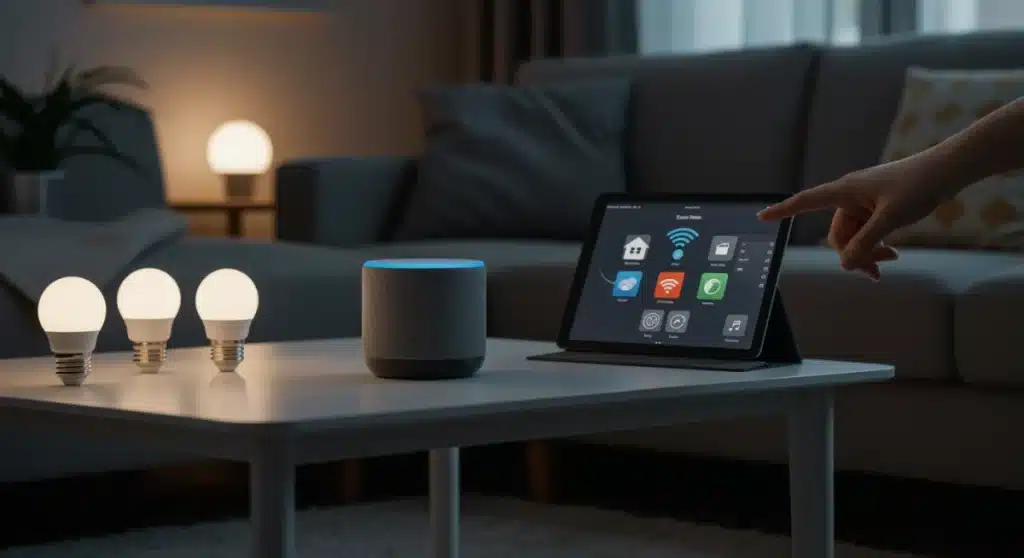
Integrating advanced voice commands into your smart home significantly streamlines daily routines, offering practical solutions for enhanced convenience and efficiency in modern living.
Integrating voice assistants into your daily life can transform a merely smart home into a truly intelligent one. Beyond simple requests, advanced voice commands unlock a new level of automation, making your routines smoother and more efficient. This quarter, let’s explore four practical solutions that leverage the full power of your smart home’s vocal brain.
Beyond the Basics: The Power of Advanced Voice Commands
Many smart home users are familiar with basic voice commands, like turning on lights or playing music. However, the true potential of voice assistants lies in their ability to execute complex, multi-step routines with a single phrase. These advanced commands move beyond simple actions, orchestrating a symphony of devices to work in harmony.
Imagine initiating a ‘good morning’ routine that not only turns on your bedroom lights but also adjusts the thermostat, starts your coffee maker, and reads out your daily schedule. This level of integration saves time and mental effort, allowing you to focus on what truly matters.
Understanding Routines and Scenes
Routines and scenes are the building blocks of advanced voice commands. A scene typically sets a specific ambiance, like ‘movie night,’ which might dim lights and close blinds. A routine, however, is a sequence of actions triggered by a specific event or command, offering a more dynamic interaction.
- Scenes: Pre-set configurations for multiple devices, often focused on ambiance.
- Routines: Automated sequences of actions, triggered by voice, time, or sensor.
- Customization: Tailor actions and triggers to fit your unique lifestyle and preferences.
Mastering these concepts is crucial for unlocking the full capabilities of your voice assistant. By understanding how to link various devices and actions, you can create a truly personalized and responsive smart home environment.
The beauty of advanced voice commands is their adaptability. They can evolve with your needs, making your smart home a continuously improving assistant. This deeper integration enhances comfort, security, and energy efficiency, all with the sound of your voice.
Command 1: The ‘Morning Refresh’ Routine for a Seamless Start
Starting your day can often feel like a rushed series of tasks. With a well-crafted ‘Morning Refresh’ routine, your voice assistant can handle many of these actions, allowing for a calmer, more organized beginning. This command orchestrates several devices to prepare your home as you wake up.
This routine goes beyond a simple alarm. It considers various aspects of your morning, from lighting and temperature to information delivery, ensuring you’re greeted by a perfectly tailored environment. It’s about leveraging technology to reclaim those precious first moments of the day.
Setting up Your Personalized Wake-Up
To create this routine, you’ll typically use your voice assistant’s app (e.g., Google Home, Amazon Alexa). The key is to think about the sequence of events that best suits your morning. Consider what you need and when you need it.
- Trigger: ‘Good morning, assistant.’
- Action 1: Gradually brighten bedroom lights (smart bulbs).
- Action 2: Adjust thermostat to your preferred morning temperature.
- Action 3: Start brewing coffee (smart coffee maker or smart plug).
- Action 4: Play a brief news summary or your favorite morning playlist.
- Action 5: Open smart blinds or curtains slowly.
The sequential nature of these actions ensures a smooth transition from sleep to wakefulness. Instead of fumbling with multiple apps or switches, a single command sets everything in motion, creating a truly effortless start to your day.
Experiment with different timings and device combinations. For instance, you might want your coffee to start brewing a few minutes after your lights come on. This level of detail is what transforms a basic automation into a truly advanced, personalized experience.
Command 2: ‘Home Security Check’ for Peace of Mind
Security is paramount in any home, and your voice assistant can become a powerful ally in maintaining it. The ‘Home Security Check’ command provides an instant overview and activation of your security systems, offering peace of mind whether you’re leaving for work or settling in for the night.
This command centralizes the control of various security devices, eliminating the need to check each one individually. It’s about proactive security management, ensuring all entry points are secured and surveillance is active with minimal effort.
Activating Your Security Ensemble
This routine should be designed to cover all critical aspects of your home’s security. It’s not just about arming an alarm; it’s about verifying the status of doors, windows, and cameras, and then taking appropriate action.
- Trigger: ‘Secure the house.’
- Action 1: Lock all smart door locks.
- Action 2: Activate motion sensors and alarm system.
- Action 3: Turn on exterior smart lights.
- Action 4: Play a pre-recorded message (e.g., ‘Home security activated’) through smart speakers.
- Action 5: Provide a verbal confirmation of all locked doors and armed sensors.
This comprehensive check offers both automated action and crucial feedback, assuring you that your home is protected. You can customize the confirmation message to include specific details, such as which windows are still open, prompting you to address them.
Consider adding a geo-fencing component to this routine. For example, the system could automatically ask if you want to secure the house when your smartphone leaves a certain radius around your home, adding an extra layer of convenience and security.
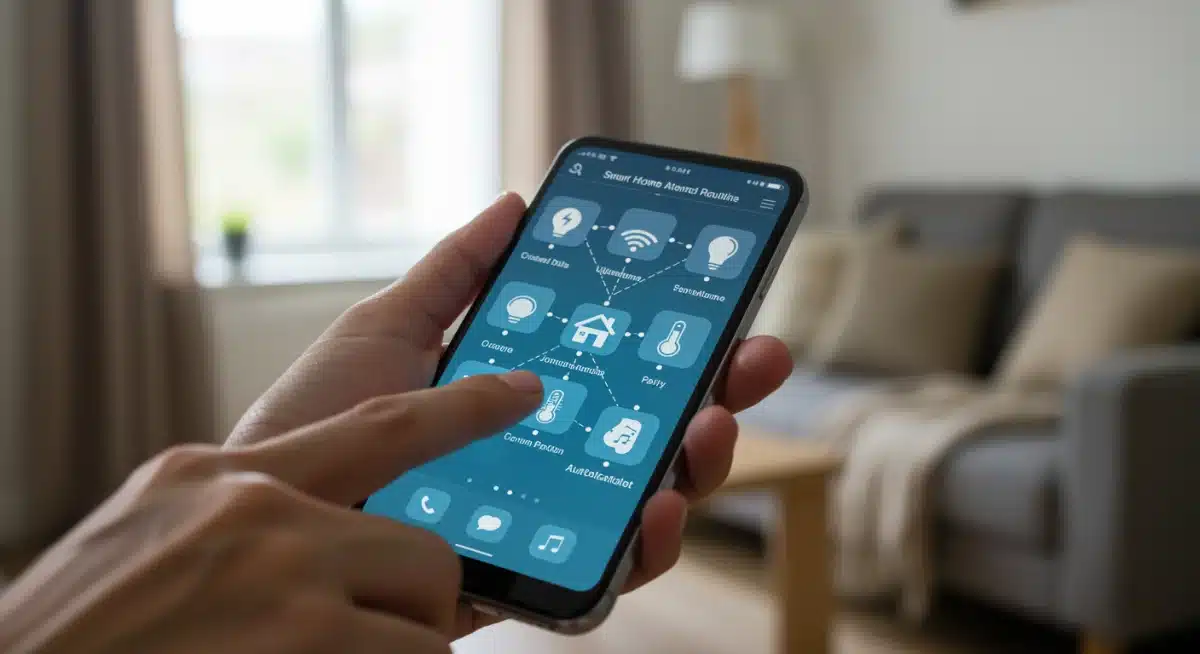

Command 3: ‘Evening Ambiance’ for Relaxation and Entertainment
After a long day, creating a relaxing or entertaining atmosphere should be effortless. The ‘Evening Ambiance’ command transforms your living space into a haven of comfort, adjusting lighting, sound, and even temperature to suit your mood.
This routine is about setting the stage for your evening activities, whether it’s unwinding with a book, enjoying a movie, or hosting friends. It eliminates the need for manual adjustments, allowing you to seamlessly transition into relaxation.
Crafting Your Perfect Evening Scene
This command benefits from thoughtful planning regarding your typical evening routines. Do you prefer soft lighting for reading, or dynamic lighting for entertainment? Consider the various elements that contribute to your ideal evening.
- Trigger: ‘Set evening ambiance.’
- Action 1: Dim smart lights to a warm, low setting.
- Action 2: Close smart blinds or curtains.
- Action 3: Play a pre-selected relaxation playlist or podcast.
- Action 4: Adjust smart thermostat to a comfortable evening temperature.
- Action 5: Turn on smart fireplace or essential oil diffuser.
The beauty of this command lies in its versatility. You can create multiple ‘evening ambiance’ routines, such as ‘Movie Night,’ ‘Reading Time,’ or ‘Dinner Party,’ each with its own unique set of actions and device configurations. This level of customization ensures that your home always matches your desired mood.
Don’t be afraid to experiment with color-changing smart bulbs to further enhance your ambiance. A subtle shift in lighting color can dramatically alter the feel of a room, adding another layer of sophistication to your voice-controlled environment.
Command 4: ‘Guest Mode Activation’ for Effortless Hospitality
Having guests over can be a joyous occasion, but preparing your home for visitors often involves several manual adjustments. The ‘Guest Mode Activation’ command simplifies this process, ensuring your home is welcoming and comfortable for your visitors with a single vocal prompt.
This command allows you to focus on your guests, rather than fiddling with settings. It’s a testament to how smart home technology can enhance hospitality, making both your and your guests’ experience more enjoyable and seamless.
Preparing Your Home for Visitors
Think about what makes guests feel comfortable and what access they might need. This routine can encompass everything from guest Wi-Fi to temporary access codes and lighting adjustments.
- Trigger: ‘Activate guest mode.’
- Action 1: Turn on specific guest room lights.
- Action 2: Set guest room thermostat to a comfortable temperature.
- Action 3: Provide guest Wi-Fi network details verbally or display on a smart screen.
- Action 4: Unlock smart lock for a temporary guest code (if applicable).
- Action 5: Adjust main living area lighting to a welcoming setting.
This command can also include actions like pausing security camera recordings in private areas or temporarily disabling motion sensors that might trigger alerts unnecessarily. The goal is to create a frictionless experience for both you and your guests.
Consider adding a ‘Guest Departure’ routine as well. This could revert all settings to your default, disable guest Wi-Fi, and re-arm any security features that were temporarily paused. This ensures a complete and efficient cycle of hospitality.
Optimizing Your Voice Assistant for Peak Performance
While having advanced commands is powerful, their effectiveness hinges on an optimized voice assistant. Ensuring your devices are properly configured, your network is stable, and your commands are clearly understood is crucial for a smooth smart home experience.
A well-optimized system means fewer frustrations and more reliable automation. It’s about creating a robust foundation upon which your advanced voice commands can consistently perform their magic.
Tips for Enhanced Voice Assistant Accuracy and Speed
Several factors can influence how well your voice assistant performs. Addressing these can significantly improve your daily interactions and the reliability of your routines.
- Device Placement: Position smart speakers centrally and away from obstructions to ensure clear microphone reception.
- Network Stability: A strong and stable Wi-Fi connection is vital for quick response times and reliable communication between devices.
- Command Clarity: Speak clearly and consistently. Experiment with different phrasings to find what your assistant understands best.
- Regular Updates: Keep your voice assistant software and smart device firmware updated to benefit from the latest improvements and bug fixes.
- Privacy Settings: Review and adjust your privacy settings to ensure your voice assistant is only listening when you intend it to.
Regularly reviewing your routine settings and making small adjustments can also yield significant improvements. As your smart home ecosystem grows, new devices might offer additional integration opportunities, making your commands even more powerful.
Don’t overlook the importance of training your voice assistant. Some platforms allow you to teach it to recognize your voice more accurately, leading to a more personalized and responsive interaction. This continuous refinement ensures your smart home remains an indispensable part of your daily life.
Troubleshooting Common Voice Command Issues
Even with the most advanced setups, voice commands can sometimes encounter hiccups. Understanding common issues and how to troubleshoot them can save you time and frustration, ensuring your smart home remains reliably responsive.
Effective troubleshooting is about systematically identifying the source of the problem, whether it’s a network issue, a device malfunction, or a command misconfiguration. A methodical approach will get your routines back on track swiftly.
Diagnosing and Resolving Automation Glitches
When a command doesn’t execute as expected, don’t panic. Start with the simplest checks and gradually move to more complex diagnostics.
- Check Device Status: Ensure all devices involved in the routine are powered on and connected to the network.
- Verify Command Phrasing: Confirm you are using the exact command phrase specified in your routine settings. Even minor variations can cause issues.
- Review Routine Configuration: Open your voice assistant app and double-check the actions and conditions within the problematic routine.
- Restart Devices: A simple restart of your smart speaker or router can often resolve temporary connectivity issues.
- Check for Updates: Outdated software can sometimes lead to unexpected behavior. Ensure all devices and apps are up to date.
If a specific device consistently fails to respond, try isolating it from the routine and testing it individually. This can help determine if the issue lies with the device itself or with its integration into the larger automation sequence.
Finally, utilize the diagnostic tools often provided within voice assistant apps. These can offer insights into network health, device connectivity, and command history, providing valuable clues for resolving persistent problems.
| Key Command | Primary Benefit |
|---|---|
| Morning Refresh | Streamlines wake-up with automated lights, temperature, and news. |
| Home Security Check | Activates and confirms all security measures with one command. |
| Evening Ambiance | Creates a relaxing or entertaining atmosphere instantly. |
| Guest Mode Activation | Prepares your home for visitors automatically and effortlessly. |
Frequently asked questions about advanced voice commands
An advanced voice command triggers a multi-step routine or scene involving several smart devices working in concert. Unlike basic commands that control a single device or action, advanced commands orchestrate a sequence of events, often with conditional logic or timing, to achieve a complex outcome like a personalized morning routine or a comprehensive security check.
Generally, you can create custom voice commands for most smart devices that are compatible with your primary voice assistant (e.g., Alexa, Google Assistant). The device needs to be integrated into your smart home ecosystem and support automation routines. Some older or proprietary devices might have limited integration, but most modern gadgets offer extensive customization options.
Setting up advanced voice commands requires a bit more thought than basic ones, but it’s generally straightforward using your voice assistant’s app. You define a trigger phrase, then select the sequence of actions for each device involved. Most apps offer intuitive interfaces and step-by-step guides, making the process accessible even for beginners.
If your voice assistant struggles to understand, try speaking more clearly and consistently. Ensure your smart speaker is placed in an optimal location, free from obstructions. You can also rephrase your commands or adjust the trigger phrases in your routine settings. Some assistants allow voice training to improve recognition over time, enhancing accuracy.
While you don’t need every smart device on the market, advanced commands thrive on interconnectedness. You’ll need multiple compatible devices (e.g., smart lights, thermostats, locks, speakers) that can communicate with your chosen voice assistant. The more devices you have integrated, the more complex and useful your custom routines can become, enhancing your smart home experience.
Conclusion
Integrating voice assistants with advanced commands is more than a convenience; it’s a transformative step towards a truly intelligent home. By mastering routines like ‘Morning Refresh,’ ‘Home Security Check,’ ‘Evening Ambiance,’ and ‘Guest Mode Activation,’ you unlock unparalleled efficiency and comfort. These practical solutions not only streamline your daily life but also enhance the overall experience of living in a connected space. Embrace the power of your voice to orchestrate a home that anticipates your needs and responds seamlessly, making this quarter the time you truly elevate your smart home.