Troubleshooting Smart Home Devices: Your 2026 Checklist to Resolve 90% of Issues
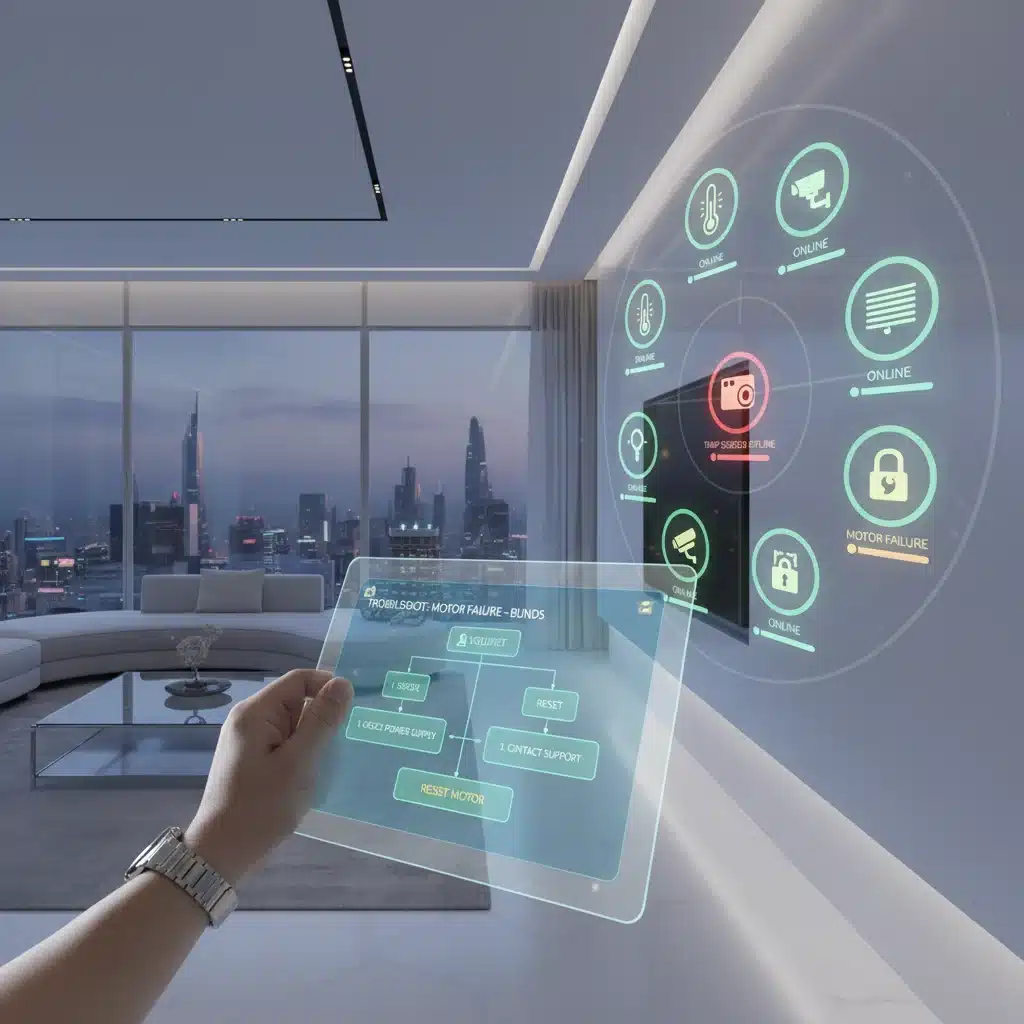
Troubleshooting Smart Home Devices: Your 2026 Checklist to Resolve 90% of Issues
Welcome to the era of interconnected living! In 2026, our homes are smarter than ever, anticipating our needs, securing our spaces, and simplifying our routines. From intelligent thermostats and automated lighting to surveillance cameras and voice assistants, smart home devices have become indispensable. However, as technology advances, so too do the complexities of keeping everything running smoothly. Even the most sophisticated smart home ecosystems can encounter glitches. That’s where effective smart home troubleshooting comes in.
Imagine waking up to a dark house because your smart lights didn’t turn on, or coming home to a chilly living room because your smart thermostat lost connection. Frustrating, right? The good news is that most smart home device issues aren’t catastrophic. With the right knowledge and a systematic approach, you can resolve up to 90% of common problems yourself. This comprehensive 2026 checklist is designed to empower you with the essential steps and insights needed for efficient smart home troubleshooting, saving you time, money, and a lot of headaches.
The Foundation of a Stable Smart Home: Understanding Your Network
Before diving into specific device issues, it’s crucial to understand that the vast majority of smart home problems stem from your network. Your Wi-Fi network is the central nervous system of your smart home. If it’s unstable, slow, or improperly configured, your devices will suffer. Effective smart home troubleshooting always starts here.
1. Check Your Internet Service Provider (ISP) Connection
- Is Your Internet Down? It sounds basic, but it’s often overlooked. Check if other devices (laptops, phones) can access the internet. If not, the problem likely lies with your ISP.
- Contact Your ISP: If your internet is down, contact your provider for status updates or assistance.
2. Evaluate Your Wi-Fi Router and Network Settings
Your router is the heart of your smart home’s connectivity. A weak signal, outdated firmware, or overloaded network can cripple your smart devices.
- Router Reboot: The classic IT solution! Unplug your router and modem for 30 seconds, then plug them back in. Wait a few minutes for them to fully restart. This often resolves minor glitches and refreshes IP addresses.
- Signal Strength: Are your smart devices too far from the router? Walls, floors, and other electronic devices can interfere with Wi-Fi signals. Consider relocating your router to a more central location or investing in a mesh Wi-Fi system or Wi-Fi extenders for better coverage.
- Network Congestion: Too many devices on one network can slow things down. If your router supports it, create a dedicated 2.4 GHz network for your smart home devices (most smart devices prefer 2.4 GHz) and use the 5 GHz network for high-bandwidth activities like streaming and gaming.
- Firmware Updates: Just like your smart devices, your router’s firmware needs to be updated regularly. Check your router manufacturer’s website for the latest firmware and installation instructions. Updated firmware often includes performance improvements and bug fixes critical for smart home troubleshooting.
- Channel Interference: In crowded areas, neighboring Wi-Fi networks can interfere with yours. Access your router settings (usually via a web browser) and try changing the Wi-Fi channel. Apps like Wi-Fi Analyzer can help you identify less congested channels.
- IP Address Conflicts: Sometimes, two devices might try to use the same IP address. This is rare but can happen. Rebooting your router usually resolves this by assigning new IP addresses. If not, consider setting static IP addresses for critical smart devices.
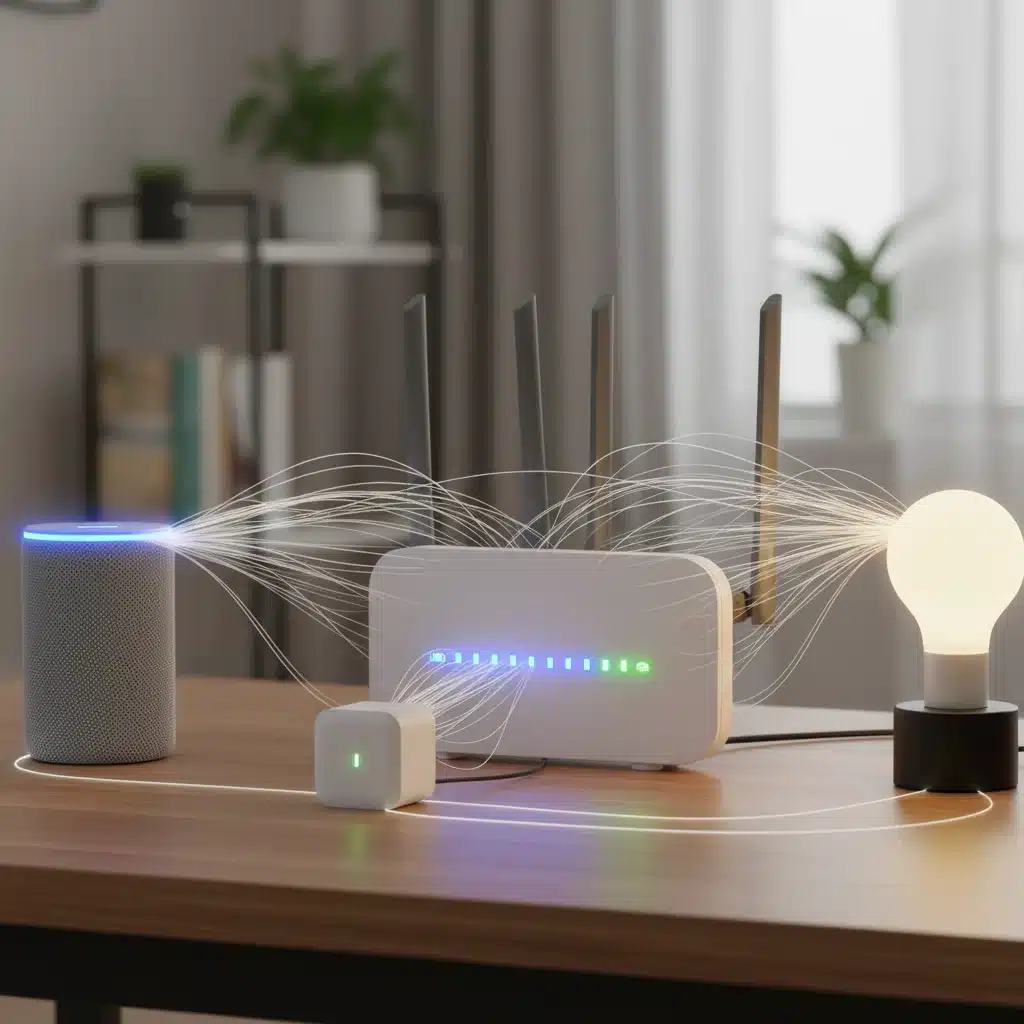
Common Device-Specific Smart Home Troubleshooting Strategies
Once you’ve confirmed your network is stable, it’s time to focus on individual devices. Many problems can be resolved with a few simple steps, making your smart home troubleshooting efforts much more effective.
1. The Universal First Step: Power Cycle the Device
Just like your router, a simple power cycle can work wonders for a misbehaving smart device. Unplug it from the power source (or remove batteries if applicable), wait 10-15 seconds, and plug it back in. This clears temporary errors and re-establishes its connection.
2. Check Device Status Indicators
Most smart devices have LED indicators that communicate their status. A rapidly blinking light might mean it’s trying to connect, while a solid red light could indicate an error. Consult your device’s manual or the manufacturer’s website to understand what different light patterns signify. This is a critical step in effective smart home troubleshooting.
3. Verify App and Firmware Updates
Outdated software is a common culprit for smart device malfunctions. Ensure your smart home app is the latest version available on your smartphone’s app store. Similarly, check for firmware updates for the device itself within the app settings. Manufacturers frequently release updates to fix bugs, improve performance, and add new features.
4. Re-pair or Reconnect the Device
If a device consistently loses connection, try re-pairing it with your smart home hub or reconnecting it to your Wi-Fi network. The exact steps vary by device but usually involve putting the device into pairing mode and following the instructions in its companion app.
5. Inspect Physical Connections and Power Source
Sometimes the simplest issues are mechanical. Ensure all power cables are securely plugged in, and there are no signs of damage. For battery-powered devices, check battery levels or replace them if necessary. For outdoor devices, ensure they are protected from the elements and their power sources are intact.
6. Environmental Factors and Placement
- Interference: Other electronic devices (microwaves, cordless phones, baby monitors) can emit radio frequencies that interfere with your smart devices. Try moving the device or the interfering appliance.
- Obstructions: Walls, large furniture, and even metal objects can block wireless signals. Optimize device placement for an unobstructed line of sight to your router or hub.
- Temperature: Extreme temperatures can affect device performance. Ensure devices are operating within their recommended temperature ranges, especially outdoor cameras or sensors.
Advanced Smart Home Troubleshooting for Persistent Problems
When basic steps don’t resolve the issue, it’s time to dig a little deeper. These advanced smart home troubleshooting techniques can help you pinpoint and fix more stubborn problems.
1. Check Router Firewall and Port Settings
Your router’s firewall is designed to protect your network, but sometimes it can be too aggressive, blocking legitimate traffic from your smart devices. Consult your router’s manual or online support to temporarily disable the firewall (for testing purposes only!) or add exceptions for your smart devices if necessary. Some devices may also require specific ports to be open (port forwarding), which should be detailed in the device’s documentation.
2. Review Device Logs and Diagnostics
Many smart home hubs and advanced devices offer diagnostic tools or log files within their apps or web interfaces. These logs can provide valuable clues about why a device is failing, such as connection errors, authentication failures, or software crashes. Learning to interpret these logs is a powerful smart home troubleshooting skill.
3. Factory Reset as a Last Resort
A factory reset returns a device to its original, out-of-the-box state. This can resolve deep-seated software glitches or configuration errors. However, it will erase all your custom settings and require you to set up the device from scratch. Always exhaust other options before performing a factory reset. The procedure varies significantly by device, so consult your manual.
4. Isolate the Problem: One Device or Many?
If multiple devices are failing, the problem is likely with your network or smart home hub. If only one device is acting up, the issue is more specific to that device. This isolation technique is fundamental to effective smart home troubleshooting.
5. Compatibility Check and Ecosystem Integration
In 2026, compatibility standards like Matter and Thread have greatly improved interoperability, but not all devices are universally compatible. Double-check that your device is indeed compatible with your smart home hub or voice assistant ecosystem (e.g., Apple HomeKit, Amazon Alexa, Google Home). Sometimes, a device might work independently but struggle to integrate with your broader smart home setup.
6. Over-the-Air (OTA) Updates & Beta Programs
Keep an eye out for OTA updates for your devices. Sometimes manufacturers roll out fixes for known issues. If you’re comfortable with it, some brands offer beta programs for their apps or firmware, which might include experimental fixes for problems you’re experiencing. However, beta software can also introduce new bugs, so proceed with caution.
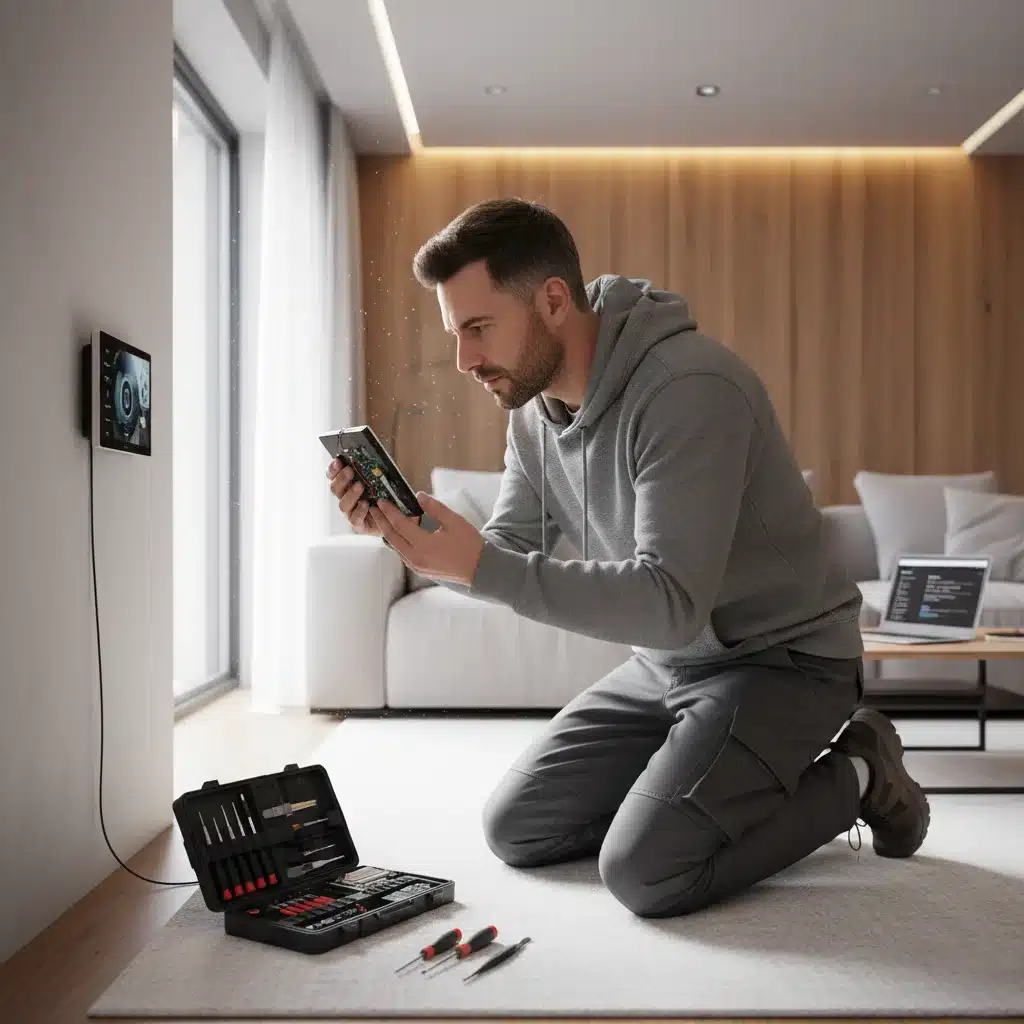
Specific Device Category Troubleshooting Tips
While the general steps apply broadly, certain device categories have unique considerations for smart home troubleshooting.
Smart Lighting (Bulbs, Switches, Strips)
- Dimmer Switches: Ensure your smart bulbs are compatible with any existing dimmer switches. Non-smart dimmers can damage smart bulbs or cause flickering.
- Hub Connection: Many smart bulbs (especially Zigbee or Z-Wave) require a dedicated hub. Verify the hub is powered on and connected to your network.
- Range: If a bulb is far from the hub or another mesh device, it might lose connection. Consider adding a smart plug as a repeater to extend the mesh network.
Smart Thermostats
- C-Wire: Most smart thermostats require a C-wire (common wire) for continuous power. If you don’t have one, consider a power extender kit or consult an HVAC professional.
- HVAC System Check: Ensure your HVAC system itself is functioning correctly. A smart thermostat can only control what’s already working.
- Sensor Placement: External temperature sensors should be placed away from direct sunlight, drafts, or heat sources.
Smart Security Cameras (Indoor/Outdoor)
- Bandwidth: High-resolution video streaming requires significant bandwidth. Ensure your Wi-Fi network can handle the load, especially if you have multiple cameras.
- Power Source: For wired cameras, check the power adapter and cable. For battery cameras, monitor battery life closely.
- Storage Issues: If recordings aren’t saving, check your cloud subscription status or local storage (SD card) capacity.
- Motion Detection Sensitivity: Adjust sensitivity settings to avoid false alerts or missing actual events.
Smart Plugs and Outlets
- Load Capacity: Ensure the appliance plugged into the smart plug doesn’t exceed its maximum wattage rating. Overloading can damage the plug or the appliance.
- Physical Obstruction: If the smart plug is bulky, it might block adjacent outlets, causing issues for other devices.
Voice Assistants (Alexa, Google Assistant, Siri)
- Microphone Check: Ensure the microphone isn’t muted or physically obstructed.
- Voice Training: Retrain your voice model if the assistant struggles to understand your commands.
- Account Linking: Verify that all necessary smart home skills or services are correctly linked in the assistant’s app.
Proactive Measures: Preventing Future Smart Home Troubleshooting
The best way to deal with problems is to prevent them. Incorporate these habits into your smart home management to minimize future issues and streamline your smart home troubleshooting process when they do arise.
1. Regular Maintenance and Updates
- Scheduled Reboots: Consider scheduling a weekly or monthly reboot for your router and critical smart home hubs during off-peak hours.
- Automated Updates: Enable automatic firmware and app updates where possible, but always review release notes for potential issues.
2. Document Your Setup
Keep a record of your smart home devices, including:
- Device names and models
- Wi-Fi network names (SSIDs) and passwords
- IP addresses (if static)
- Login credentials for device apps
- Troubleshooting steps that worked for specific issues
This documentation will be invaluable for future smart home troubleshooting.
3. Invest in Quality Hardware
While budget options are tempting, investing in reputable brands for your router and core smart devices often pays off in terms of reliability, security, and customer support. Quality hardware often has better firmware and fewer bugs, reducing your need for constant smart home troubleshooting.
4. Optimize Your Wi-Fi Network
- Mesh Wi-Fi: For larger homes, a mesh Wi-Fi system provides seamless coverage and often has better device management features.
- Dedicated IoT Network: Some advanced routers or network setups allow you to create a separate network for IoT devices, enhancing security and reducing congestion on your main network.
5. Monitor Your Devices
Many smart home apps or third-party tools offer dashboards to monitor device status, battery levels, and connectivity. Regularly checking these can help you spot potential issues before they become major problems, making your smart home troubleshooting proactive rather than reactive.
6. Join Community Forums and Support Groups
The smart home community is vast and knowledgeable. If you encounter a persistent issue, chances are someone else has faced it too. Forums, Reddit communities, and manufacturer support groups can be excellent resources for specific smart home troubleshooting advice.
7. Understand Warranty and Support Options
Keep track of your device warranties. If a device repeatedly fails despite your best smart home troubleshooting efforts, it might be a hardware defect. Don’t hesitate to contact customer support or initiate a warranty claim if the problem is beyond your control.
Conclusion: Empowering Your Smart Home Experience
The vision of a fully integrated, effortlessly functioning smart home is within reach, even in 2026. While occasional technical hiccups are inevitable, they don’t have to derail your experience. By following this comprehensive smart home troubleshooting checklist, you’re not just fixing problems; you’re building a deeper understanding of your home’s technology.
From ensuring a robust network foundation to performing targeted device diagnostics and adopting proactive maintenance habits, you’ll be equipped to handle 90% of the issues that come your way. Embrace these steps, and you’ll transform from a frustrated user into a confident smart home manager, ensuring your intelligent living space continues to serve you seamlessly for years to come.
Happy smart home living!