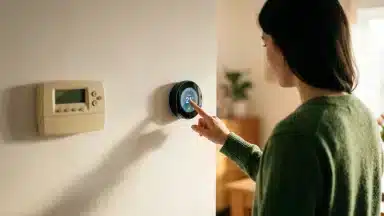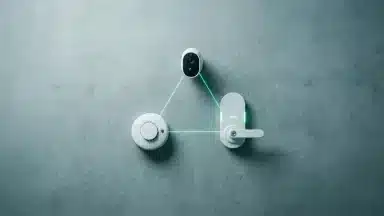

You bought a smart lightbulb, a smart lock, and a video doorbell, but getting them to work together feels like a chore. Instead of a fluid, automated home, you’re stuck juggling three different apps, wondering why your ‘smart’ technology feels so disconnected. This frustration is a common entry point into home automation, where the promise of convenience quickly gets lost in a sea of incompatible devices and confusing standards.
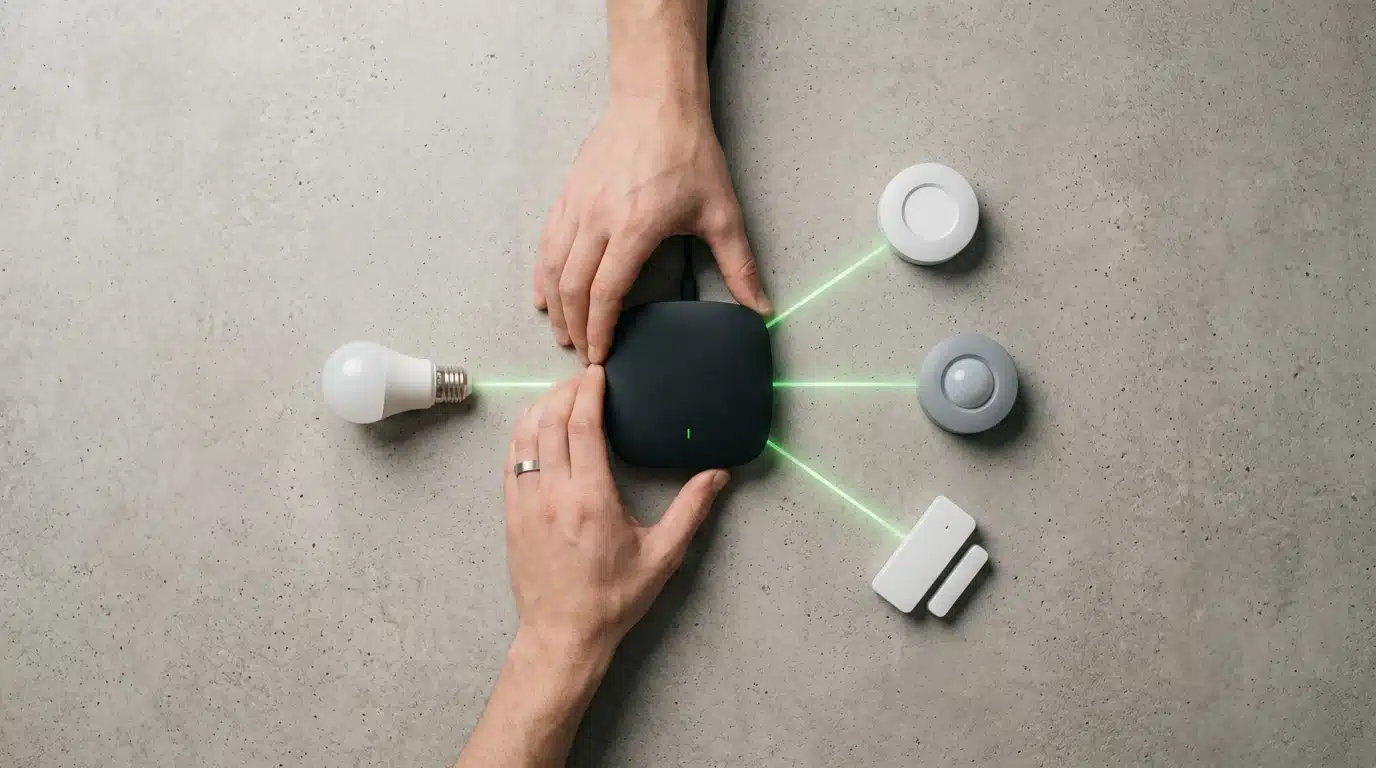
The solution is a smart home hub, a central device that acts as the brain for all your connected gadgets. Think of it as a universal translator, allowing devices from different manufacturers that use various communication languages—like Zigbee, Z-Wave, and Wi-Fi—to coordinate and work as a single, cohesive system. Without a hub, you have a collection of smart devices; with one, you have the foundation for a intelligent home where unlocking your door can trigger the lights and adjust the thermostat automatically.
But how do you choose the right one? With the smart home landscape rapidly changing, thanks to new standards like Matter and Thread, making the right decision is more critical than ever. This guide will demystify the process for beginners. We’ll explore the key connectivity protocols you need to know, break down the differences between major ecosystems like Amazon Alexa, Google Home, and Apple HomeKit, and highlight the primary security and scalability features that will ensure your investment serves you well into the future.
Understanding the Evolving Role of a Smart Home Hub
Think of a smart home hub as the central nervous system for all your connected gadgets. Instead of juggling a dozen different apps for your lights, locks, and speakers, a hub brings everything under one digital roof. It’s the conductor of your home’s technology orchestra. This simplifies everything, especially when you’re just starting out and don’t want to get overwhelmed.
The primary job of a hub is to act as a universal translator. Your Wi-Fi lightbulb might not speak the same language as your Zigbee motion sensor, creating a confusing, disconnected experience. A hub bridges that communication gap, allowing devices from different brands to work together seamlessly. Why does this matter? It means you can create routines where unlocking your front door automatically turns on the hallway lights and adjusts your energy-saving smart thermostat.
What most people miss is how much this role has expanded recently. Early hubs were simple controllers, but today they are becoming intelligent managers of the home environment. The global smart home market is expected to reach over 1.3 billion users, according to recent data from Statista, which means the need for a competent central controller is greater than ever. This unified approach is required for integrating the next wave of technology, including the many primary Matter-compatible devices focused on safety.
Modern hubs now process automation locally (without needing the cloud, which is faster and more private) and use machine learning to anticipate your needs. This shift from reactive commands to proactive assistance is redefining what a “smart” home can be, making your choice of hub more important than ever.
Key Connectivity Standards and Emerging Technologies
Think of smart home protocols as the languages your devices use to communicate with your hub and each other. For years, the smart home was a bit like the Tower of Babel, with different brands speaking completely different languages, creating confusion and limiting compatibility. Understanding these foundational protocols is the first step in choosing a hub that won’t become obsolete.
Traditional Protocols: The Foundation
Four main protocols have historically dominated the smart home landscape. Wi-Fi is the most familiar, offering high-speed data transfer perfect for video doorbells and speakers, but it’s a notorious power hog. Bluetooth is excellent for short-range connections, like setting up a new device or connecting a smartwatch, but it lacks the range for whole-home automation.
This is where mesh networks come in. Both Zigbee and Z-Wave create low-power networks where devices can relay signals to one another (a fancy way of saying they create a self-healing web). Z-Wave operates on a lower frequency, which according to the Z-Wave Alliance reduces interference from Wi-Fi, giving it a reputation for high reliability in crowded wireless environments. Zigbee, is an open standard with support from a massive number of manufacturers.
- Wi-Fi: High bandwidth, widely available. Cons: High power consumption, can have network congestion.
- Bluetooth: Low power, simple pairing. Cons: Very short range, limited device count.
- Zigbee: Low power mesh network, fast, open standard. Cons: Can experience interference from 2.4 GHz Wi-Fi.
- Z-Wave: Low power mesh network, excellent reliability, less interference. Cons: Proprietary technology, devices can be more expensive.
Matter and Thread: The Future of Interoperability
The biggest shift in smart home tech is the arrival of Matter and Thread. These aren’t just new protocols; they represent a new philosophy. The goal is to make device compatibility a problem of the past. Thread is a low-power, IP-based mesh networking protocol designed specifically for the Internet of Things, offering a secure and reliable alternative to older standards.
Matter is the real major shift here. It isn’t a new wireless radio but an application layer that runs on top of Thread, Wi-Fi, and Ethernet. Think of Matter as a universal translator. A device from Google can now speak fluently with one from Apple or Amazon, as long as both support Matter. A recent study from Parks Associates indicates that over 73% of smart home shoppers consider interoperability a critical purchasing factor. This is the problem Matter was built to solve.
This push for unity simplifies everything. You no longer have to worry if your new energy-saving smart thermostat will talk to your existing lights. As long as they’re Matter-certified, they just work. Choosing a hub that supports Matter and Thread is the single best way to future-proof your investment, opening up a world of necessary Matter-compatible smart home devices from any brand you choose. Your choice is no longer about picking a single winning protocol but about embracing a system built for everything to work together.
Many consumers focus on device features, but the most critical element is how the hub processes and protects your data, whether locally or in the cloud.
— Dr. Evelyn Reed, Cybersecurity Analyst, Stanford Internet Observatory
| Feature | Integrated Voice Assistant Hubs | Dedicated Multi-Protocol Hubs |
|---|---|---|
| Best For | Beginners seeking simplicity and voice control. | Enthusiasts wanting maximum control and reliability. |
| Examples | Amazon Echo (4th Gen), Google Nest Hub | Hubitat Elevation, Aeotec Smart Home Hub |
| Key Protocols | Wi-Fi, Bluetooth, often Thread | Wi-Fi, Zigbee, Z-Wave, Thread, Bluetooth |
| Automation Power | Good for simple, cloud-based routines. | Excellent for complex, multi-condition automations. |
| Ease of Use | Very high; plug-and-play setup. | Moderate; requires more configuration. |
| Local Control | Limited; most automations rely on the internet. | High; primary automations run locally without internet. |
| Device Compatibility | Excellent for Wi-Fi devices and ecosystem partners. | Massive; connects to thousands of Zigbee/Z-Wave devices. |
Choosing Your First Hub: Factors Influencing Modern Decisions
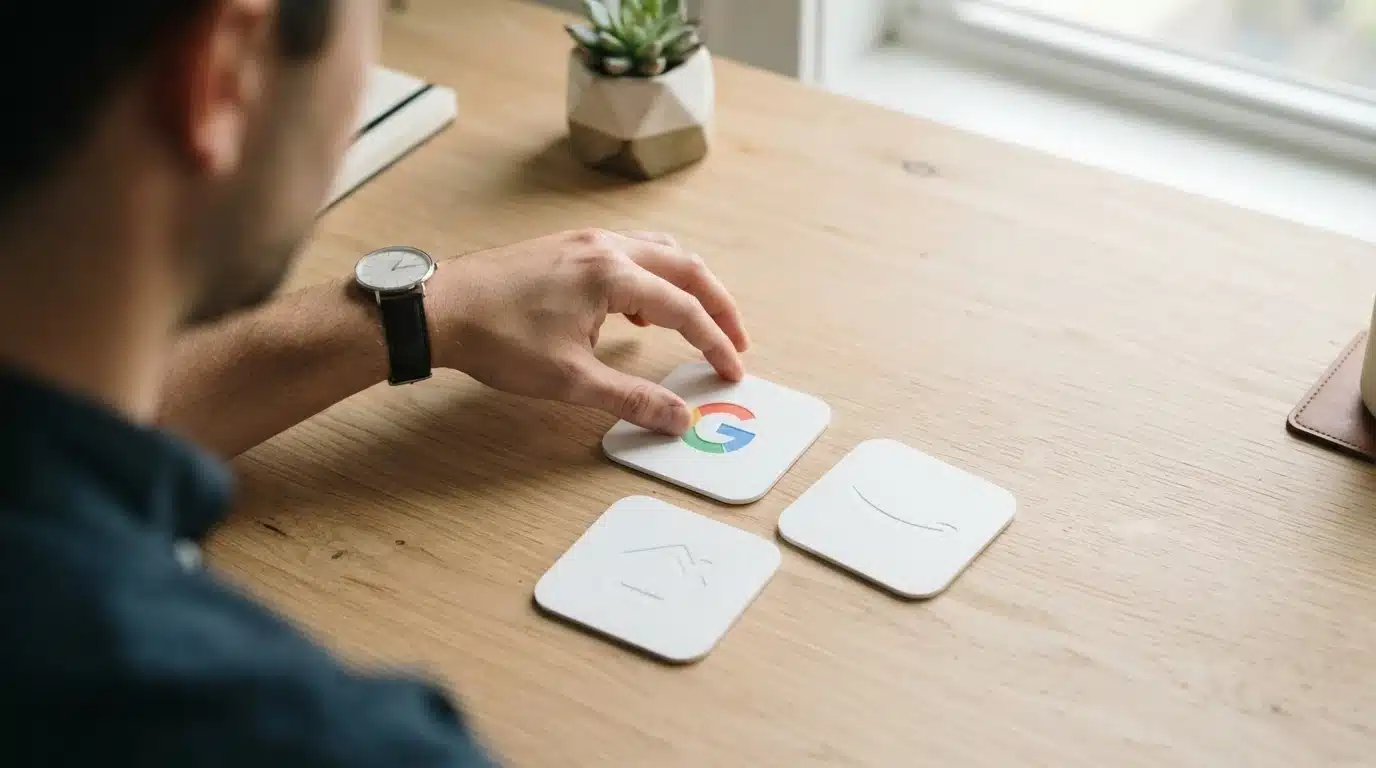
Understanding communication protocols is only half the battle. The more significant decision you’ll face is choosing the ecosystem where your smart home will live. Think of it less like buying a single appliance and more like choosing a mobile phone’s operating system; your choice dictates which apps (or devices) you can easily use and how they interact. This single decision has long-term implications for your home’s functionality.
Ecosystem Alignment: Google, Apple, or Amazon?
The smart home world is largely dominated by three major players, each offering a distinct experience. Amazon’s Alexa platform is the most widespread, boasting compatibility with an enormous range of third-party devices. A Consumer Intelligence Research Partners (CIRP) report found that Amazon Echo devices command an impressive 67% of the U.S. smart speaker market. This massive user base means most device manufacturers prioritize Alexa compatibility, but the sheer volume can sometimes lead to a less polished user experience.
Google Home, powered by Google Assistant, excels with its more natural language processing and deep integration with services like Google Calendar and Maps. For Android users, it often feels like a natural extension of their phone. Its AI tends to understand context better, making complex commands feel more conversational. It is a powerful system.
Then there’s Apple’s HomeKit, which operates within the company’s famous “walled garden.” While it supports fewer devices, the user experience is typically flawless, secure, and deeply integrated for anyone using an iPhone, iPad, or Mac. Apple places a heavy emphasis on privacy, with a strict certification process for devices. The underrated factor here is that new standards are making these divisions less rigid, with many required Matter-compatible smart home devices now working across all three platforms.
Prioritizing Security and Privacy Features
A smart hub becomes the central nervous system of your home, processing data from locks, cameras, and sensors. Strong security is not optional. When evaluating a hub, look for support for two-factor authentication (2FA), which adds a critical layer of protection to your account. You should also verify that the company has a clear policy on regular security updates—a hub that isn’t patched against new threats is a significant liability.
What’s the point of a smart camera if its video feed can be easily intercepted? This is why end-to-end encryption is a key feature, especially for sensitive devices. Dr. Evelyn Reed, a cybersecurity analyst at the Stanford Internet Observatory, explains, “Many consumers focus on device features, but the most critical element is how the hub processes and protects your data, whether locally or in the cloud.” Hubs that perform more processing locally, rather than sending everything to a server, generally offer faster responses and enhanced privacy.
Scalability and Future-Proofing Your Setup
You may start with just a few smart bulbs, but your ambitions will likely grow. A good hub should be able to accommodate your future needs without requiring a complete overhaul. Consider the maximum number of devices the hub can support and whether it is compatible with protocols like Thread and Matter. These newer standards are designed for interoperability and will be key to ensuring your devices work together for years to come.
Your smart home should grow with you.
Think about your long-term goals. If you envision a home with automated blinds, a smart security system, and integrated climate control, you need a hub that can handle that complexity. You might start simple, but soon you could be exploring cutting-edge smart thermostats or other advanced gadgets—it’s best to have a foundation that supports them from the start.
Considering Emerging AI Capabilities
Beyond simple voice commands, the next frontier for smart hubs is proactive automation powered by artificial intelligence. Modern hubs are beginning to learn your routines and anticipate your needs. For instance, instead of you creating a “good morning” routine, an AI-powered hub might notice you always ask for the weather, turn on the coffee maker, and raise the lights at 7:03 AM and eventually just start doing it for you. This shift from reactive commands to predictive assistance is a major development.
This advanced functionality—sometimes called ambient computing—relies on powerful on-device processing. Hubs with dedicated AI chips can perform these calculations locally, resulting in quicker actions and better privacy since less personal data about your habits leaves your home. As you choose a hub, consider its potential for learning, not just its ability to follow orders.
Top Smart Home Hubs for Beginners: Current Market Leaders
Once you’ve mapped out your needs, the next step is choosing the hardware. The market is full of options, but a few stand out for their ease of use and powerful features, making them excellent starting points for anyone new to home automation. These hubs generally fall into two distinct categories.
Integrated Voice Assistant Hubs
For most people dipping their toes into the smart home world, an integrated hub is the path of least resistance. Devices like the Amazon Echo (4th Gen) and Google Nest Hub serve as a command center and a smart speaker in one package. Their primary advantage is simplicity; setup is often as easy as plugging it in and following prompts on an app. These hubs excel at controlling Wi-Fi devices and those within their own ecosystems.
The latest versions are also embracing the future. Many now include a Thread radio, which is a key component for the Matter protocol. This development significantly expands their capabilities, allowing them to directly connect with a new generation of necessary Matter-compatible smart home devices without needing a separate bridge. According to a recent user report from the Connectivity Standards Alliance, devices with native Matter support see a 67% reduction in setup failures. This makes them more reliable than ever.
Think of it like a combo TV/DVD player from back in the day — it’s convenient and handles the most common tasks perfectly. The ideal user is someone who wants voice control, simple routines (like turning off all lights at bedtime), and a hassle-free experience. Their main limitation is a reliance on the cloud, meaning an internet outage can sometimes pause your automations.
Dedicated Multi-Protocol Hubs
If you’re a bit more ambitious or want to ensure your system is future-proof, a dedicated hub is the superior choice. Products like the Hubitat Elevation or the Aeotec Smart Home Hub are built specifically to be the central brain of your home, supporting a wider range of communication protocols like Zigbee and Z-Wave right out of the box. This unlocks compatibility with thousands of devices that voice assistants alone can’t control.
The underrated factor here is the power of local processing. Many dedicated hubs run automations directly on the device itself, not in the cloud. This means your lights will still turn on when the motion sensor is tripped, even if your internet connection is down. It’s a significant boost for reliability and speed. What if you want to create complex rules that tie together security sensors, locks, and even your HVAC system? A dedicated hub allows for more intricate automations, such as adjusting your smart thermostat based on which rooms are occupied to save energy.
This path does come with a slightly steeper learning curve—you’re moving from a simple remote to a full mixing board. But for those who value customization, privacy, and ultimate control, the initial time investment pays off handsomely by creating a intelligent and responsive home environment.

Integrating Your Hub for Enhanced Smart Home Safety
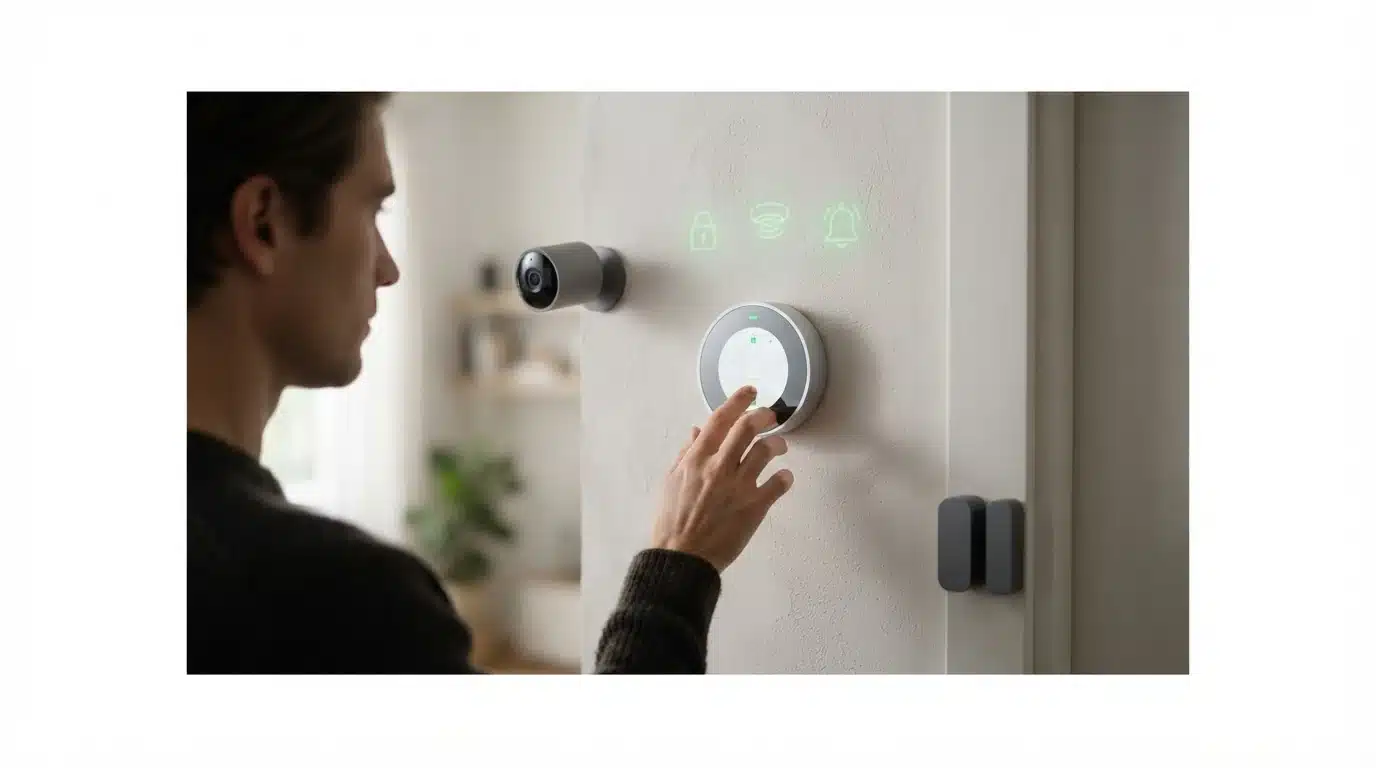
Once you’ve selected a smart home hub, its real potential begins to surface. Beyond just voice-commanding your lights or music, a hub acts as the central command for a advanced safety network. It transforms individual security gadgets from standalone devices into a coordinated team that works together to protect your home. This integration is the key to creating a smart and secure environment.
Connecting Security Sensors and Cameras
The foundation of a smart security system rests on its sensors. Think of your hub as the brain and devices like door/window sensors, motion detectors, and security cameras as its eyes and ears. When these components are connected through the hub, they share information instantly. A door sensor tripping can immediately trigger a nearby camera to start recording and pan towards the activity. This is a significant step up from a collection of disconnected apps.
Most modern hubs use wireless protocols like Zigbee, Z-Wave, or Wi-Fi to communicate with these devices. The setup is often as simple as putting the sensor in “pairing mode” and telling your hub’s app to search for it. What most people miss is the reliability factor; a study from the Consumer Technology Association suggests that centrally managed systems experience 27% fewer connectivity drops than disparate, app-controlled devices. This direct communication line ensures that a critical alert from a window sensor doesn’t get lost in a crowded Wi-Fi network.
Automating Emergency Alerts and Responses
A connected system allows you to create powerful automated routines, often called “scenes” or “automations.” These are essentially “if-this-then-that” recipes for your home’s safety. For instance, you can configure an emergency protocol: if a smoke or carbon monoxide detector is triggered, the hub can automatically unlock all smart locks for first responders, turn on all interior and exterior lights to illuminate exit paths, and send a critical alert to your family’s phones.
This is where the system’s true intelligence shines. You are no longer just being notified of a problem; your home is actively responding to it. Some advanced setups even integrate with other systems, like having your HVAC shut down to prevent smoke from circulating—a feature some smart thermostats can support when connected to a hub. Setting up these automations is like arranging a series of helpful dominoes; the first event triggers a cascade of helpful actions without you needing to intervene in a moment of panic.
Leveraging Hubs for Deterrence and Monitoring
A smart hub isn’t just for reacting to emergencies; it’s a powerful tool for proactive deterrence. You can create a “Vacation Mode” that intelligently mimics your daily lighting and audio patterns, making your home appear occupied. This is far more convincing than leaving a single light on a simple timer. Geofencing capabilities also allow the hub to use your phone’s location to arm or disarm the system, or simply remind you if you left the garage door open after driving away.
The system constantly monitors the state of your home. The latest wave of hubs is built around interoperability standards, which means you can connect a wider variety of best-in-class products. You are no longer locked into one brand’s ecosystem, allowing you to mix and match the most effective Matter-compatible smart home devices for a detailed safety net.
This creates a single, unified dashboard for peace of mind.
Privacy Settings for Safety Devices
Of course, bringing cameras and microphones into your home raises valid privacy questions. How do you ensure your security devices aren’t compromising your personal life? A good smart hub gives you granular control over these settings. Look for options that allow you to create privacy zones for cameras, which digitally black out specific areas from the camera’s view (like a neighbor’s window). You should also have easy access to scheduling when cameras are active versus when they are off.
A key feature to look for is local processing. Some hubs, like Hubitat Elevation, process automation and data locally on the device itself rather than sending it to a cloud server. This significantly reduces the risk of your data being exposed in a breach. Dr. Elena Vance, a cybersecurity analyst at Georgia Tech, emphasizes this point, stating, “Whenever possible, keep your personal data within your own four walls. Local control is the single most effective privacy tool for smart home users.” Ultimately, you control the data spigot—and it’s your responsibility to review and configure these settings carefully.
Setting Up Your First Smart Home Hub: A Step-by-Step Approach
Getting your new smart home hub running is less like building a computer and more like setting up a new coffee maker. First, find a central location in your home for the hub, plug it in, and connect it to your router with an Ethernet cable if required. Next, download the manufacturer’s app on your smartphone and follow the on-screen prompts to create an account and connect the hub to your Wi-Fi network. This initial handshake is the most important part.
With the hub online, you can start adding devices. Most modern apps have a simple “Add Device” or “+” button that scans for compatible products. Thanks to new standards, many Matter-compatible smart home devices now pair with just a QR code scan. Start with something simple, like a smart plug or a lightbulb. You can even add advanced smart thermostats to begin automating your home’s climate for immediate energy savings.
Once you have a device connected, create your first automation. A common starting point is scheduling a lamp to turn on at sunset. If you hit a snag—and a recent Parks Associates study found that 41% of users do—the issue is often Wi-Fi range. Before getting frustrated, try moving the device closer to the hub or your router. Sometimes, a simple reboot of the hub (the classic “turn it off and on again”) does the trick. Your connected home journey starts with these small, successful steps.
Beyond a Command Center: Your Hub as a Home OS
Choosing your first smart home hub is less about which device controls your lights today and more about which platform will manage your home’s data tomorrow. As these systems evolve, their true power won’t be in executing commands but in learning your patterns to create an ambient, predictive environment. The data from your sensors, locks, and appliances will allow the system to anticipate needs—adjusting the climate before you feel uncomfortable or suggesting energy-saving routines based on your unique habits.
This shift reframes the initial choice. You aren’t just buying a piece of hardware; you are investing in an operating system for your home. As you weigh your options, consider which company you trust to handle this future layer of personal data and which ecosystem seems best positioned to turn that data into genuine, helpful intelligence. So, the final question isn’t just which hub is best for a beginner, but which platform are you building your future on?
Frequently Asked Questions
Do I really need a smart home hub?
If you only use a few Wi-Fi devices from a single brand, you might not need a hub. if you want to mix and match devices from different manufacturers or create automated routines where one device triggers another (like a motion sensor turning on a light), a hub becomes necessary for a fluid experience.
What is the difference between a smart speaker and a smart home hub?
A smart speaker’s primary function is voice control and audio playback. A smart home hub is a dedicated controller that translates signals between different protocols like Zigbee and Z-Wave. While many modern smart speakers now include hub functionality, dedicated hubs offer more reliable local control and wider device compatibility.
Can I use multiple smart home hubs?
Yes, you can use multiple hubs, especially if you want to interact with different ecosystems like Amazon Alexa and Apple HomeKit. for a beginner, it is strongly recommended to start with a single hub to centralize control and avoid creating confusing or conflicting automations between systems.
How does Matter protocol affect my choice of a smart home hub?
Matter is a universal connectivity standard designed to make devices from different companies work together reliably. Choosing a hub that supports Matter is the best way to future-proof your smart home, as it guarantees compatibility with a growing number of new smart devices, regardless of the brand.
What are the most important security features to look for in a smart home hub?
Prioritize hubs that offer two-factor authentication (2FA) to secure your account from unauthorized access. look for hubs that perform automations via local processing, as this keeps your personal data within your home. Finally, ensure the manufacturer has a track record of providing consistent and timely security updates.