
In the rapidly evolving landscape of home technology, smart devices have become indispensable for convenience, security, and energy efficiency. From automated lighting and climate control to advanced security systems and voice assistants, these innovations promise a more connected and comfortable living experience. However, like any sophisticated technology, smart home devices require regular attention to maintain their optimal performance and extend their lifespan. Neglecting maintenance can lead to frustrating glitches, security vulnerabilities, and premature device failure, ultimately diminishing the very benefits they are designed to provide.
This comprehensive guide offers a practical 6-month checklist tailored for homeowners in the U.S. who want to ensure their smart home ecosystem remains robust, responsive, and secure. By adopting a proactive approach to smart home maintenance, you can safeguard your investment, enhance your daily living, and avoid costly replacements or repairs. We’ll delve into everything from physical cleaning and software updates to network optimization and security protocols, providing actionable steps to keep your smart home running like a well-oiled machine.
Understanding the importance of regular maintenance is the first step. Think of your smart home as a complex orchestra, where each device is an instrument. For the orchestra to play a beautiful symphony, every instrument must be in tune and well-maintained. Similarly, for your smart home to function seamlessly, each device needs periodic care. This guide will walk you through the essential tasks, making smart home maintenance an easy and integral part of your routine.
The Foundation of Smart Home Longevity: Why Maintenance Matters
Before diving into the checklist, it’s crucial to grasp why consistent smart home maintenance is non-negotiable. Modern smart devices are intricate pieces of technology, combining hardware, software, and network connectivity. Each component plays a vital role, and a failure in one can ripple through your entire system.
Preventing Performance Degradation
Over time, dust, debris, and environmental factors can impact the physical components of your devices. Software can become outdated, leading to compatibility issues, slower response times, and reduced functionality. Regular cleaning and software updates are paramount to preventing these issues and ensuring your devices operate at peak efficiency. Imagine your smart thermostat struggling to read temperatures accurately because its sensors are covered in dust, or your smart lights flickering due to outdated firmware. These small annoyances can quickly erode the convenience smart homes are supposed to offer.
Enhancing Security and Privacy
One of the most critical aspects of smart home maintenance is security. As more devices connect to your network, the potential attack surface for cyber threats increases. Outdated software often contains unpatched vulnerabilities that hackers can exploit. Regular firmware updates, strong password practices, and network monitoring are essential to protect your personal data and prevent unauthorized access to your home’s systems. A compromised smart camera or door lock can have severe consequences, highlighting the urgency of proactive security measures.
Extending Device Lifespan and Saving Costs
Just like a car needs regular oil changes and tune-ups, your smart devices benefit from routine care. Neglecting maintenance can lead to premature wear and tear, forcing you to replace expensive gadgets sooner than necessary. By investing a small amount of time in cleaning, updating, and troubleshooting, you can significantly extend the operational life of your devices, saving you money in the long run. This is a core principle of effective smart home maintenance – protecting your initial investment.
Ensuring System Compatibility and Stability
Smart home ecosystems are often a mix of devices from different manufacturers, all designed to work together through various protocols. As manufacturers release updates and new products, compatibility issues can arise if your existing devices aren’t kept current. Regular updates help maintain compatibility, ensuring seamless communication between your devices and preventing frustrating system crashes or unresponsive components. A stable smart home environment is a happy smart home environment.
Your 6-Month Smart Home Maintenance Checklist
This checklist is designed to be comprehensive yet manageable, breaking down essential tasks into actionable steps. We recommend scheduling a dedicated ‘smart home maintenance day’ twice a year to tackle these items systematically.
Month 1-3: The Initial Deep Dive and Essential Updates
1. Physical Cleaning of All Devices
Dust and grime are the silent enemies of electronics. They can impede sensors, block ventilation, and even cause overheating. A thorough physical cleaning is the first step in effective smart home maintenance.
- Smart Displays and Speakers: Gently wipe screens with a microfiber cloth. For stubborn smudges, use a screen-specific cleaner. Dust speaker grilles with a soft brush or compressed air.
- Smart Thermostats: Clean the screen and ensure any exposed sensors are free of dust. Use a soft, dry cloth.
- Security Cameras (Indoor/Outdoor): Clean camera lenses with a lens cleaning cloth and solution. Wipe down the body of the camera. For outdoor cameras, check for spiderwebs, dirt, and water spots that can obscure the view.
- Smart Plugs and Outlets: Ensure they are free of dust around the contacts.
- Smart Lighting Fixtures: Dust bulbs and fixtures, especially those with integrated smart technology.
- Robot Vacuums: Empty the dustbin, clean the brushes, and wipe down sensors regularly (more frequently than 6 months, but a deep clean should be part of this cycle).
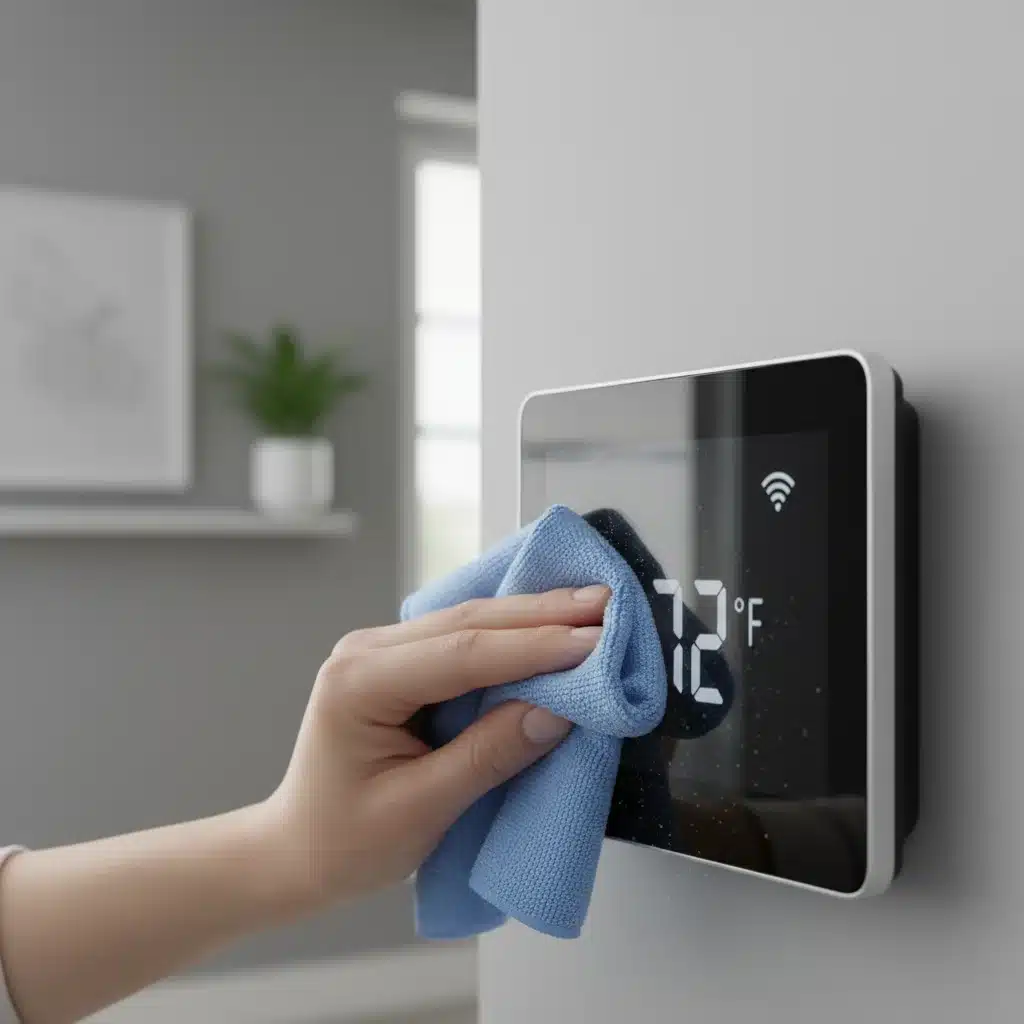
Tip: Always unplug devices before cleaning if possible, especially those connected to mains power. Avoid using harsh chemicals or abrasive materials that can damage surfaces or internal components.
2. Software and Firmware Updates
This is perhaps the most critical aspect of digital smart home maintenance. Manufacturers constantly release updates to fix bugs, improve performance, add features, and, most importantly, patch security vulnerabilities.
- Check for App Updates: Open all smart home apps on your smartphone or tablet and ensure they are updated to the latest version. Enable automatic updates if available.
- Device Firmware Updates: Many smart devices receive firmware updates through their respective apps. Navigate to the settings or ‘about device’ section within each app to check for and apply any pending firmware updates. This applies to smart hubs, cameras, smart speakers, thermostats, and more.
- Router Firmware Update: Your Wi-Fi router is the brain of your smart home network. Log into your router’s administration panel (usually via a web browser) and check for firmware updates. Router manufacturers frequently release updates to improve security and performance.
Pro Tip: Before performing any major firmware update, especially for critical devices or your router, it’s good practice to back up your settings if the option is available. This ensures you can restore your configuration if something goes wrong.
3. Password Review and Security Audit
Weak passwords are an open invitation for cybercriminals. A regular security audit is a cornerstone of robust smart home maintenance.
- Strong, Unique Passwords: Ensure all your smart home accounts (e.g., for hubs, cameras, door locks) use strong, unique passwords. Avoid using easily guessable information or reusing passwords across multiple services. Consider using a password manager.
- Two-Factor Authentication (2FA): Enable 2FA for every smart home service that offers it. This adds an extra layer of security, requiring a second verification step (like a code from your phone) in addition to your password.
- Guest Network Review: If you have a guest Wi-Fi network, ensure it’s properly isolated from your main smart home network. This prevents guests from potentially accessing your sensitive devices.
- Review Device Access: Periodically review which apps and users have access to your smart home devices. Remove any old or unauthorized accounts.
Month 4-6: Network Optimization, Battery Checks, and Deeper Dives
4. Network Optimization and Connectivity Check
A strong and stable Wi-Fi network is the backbone of any smart home. Poor connectivity can lead to unresponsive devices and frustrating delays.
- Wi-Fi Signal Strength: Use a Wi-Fi analyzer app on your smartphone to check signal strength in different areas of your home, especially where smart devices are located. Identify any dead zones or areas with weak signals.
- Router Placement: Ensure your router is centrally located and not obstructed by large objects or other electronics that can cause interference.
- Channel Optimization: If you experience interference from neighbors’ Wi-Fi networks, consider changing your router’s Wi-Fi channel. Many routers have an auto-selection feature, but manual selection can sometimes yield better results.
- Bandwidth Allocation: If you have many devices, consider if your router supports Quality of Service (QoS) settings to prioritize bandwidth for critical smart devices (e.g., security cameras).
- Unplug and Restart: Occasionally, simply unplugging your router and modem for 30 seconds and then plugging them back in can resolve minor network glitches.
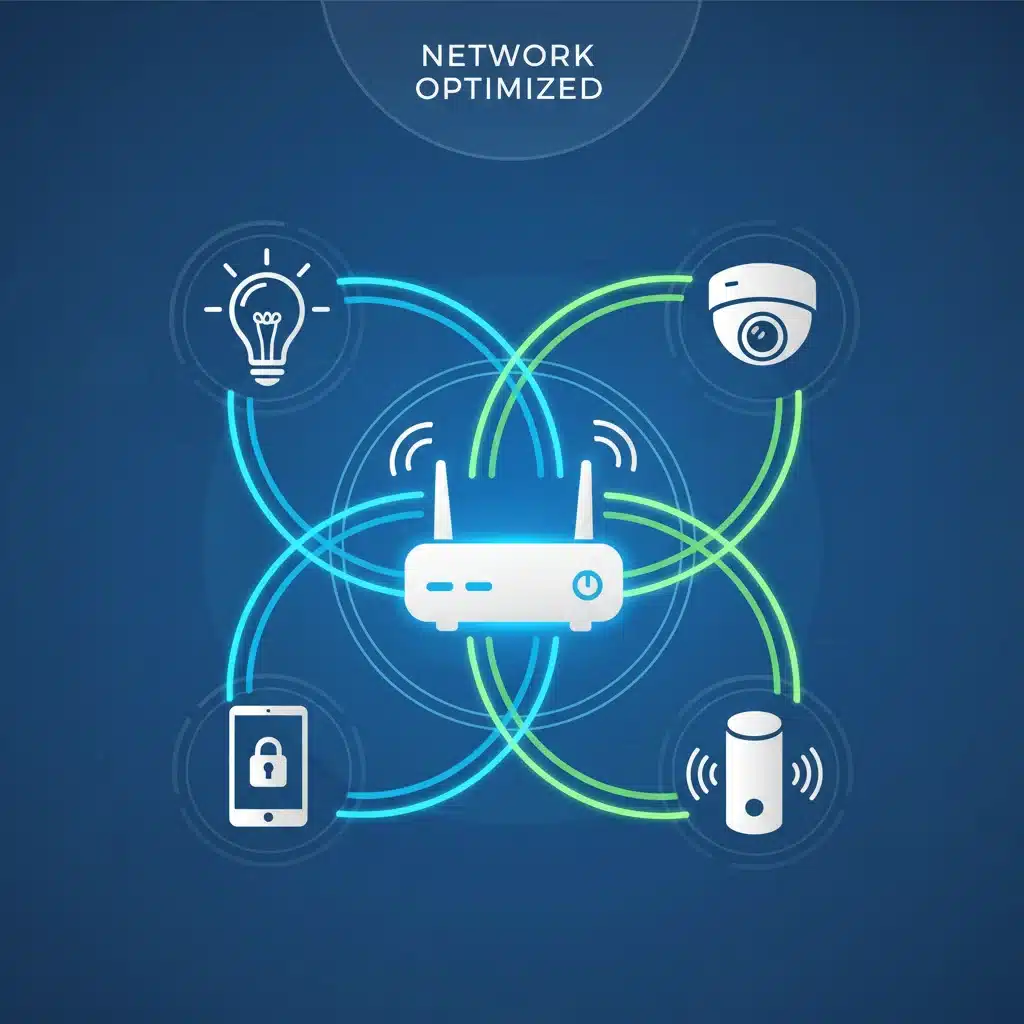
Consider a Mesh Wi-Fi System: If you have a large home or persistent dead zones, a mesh Wi-Fi system can significantly improve coverage and reliability, which is a major upgrade for smart home maintenance.
5. Battery Check and Replacement
Many smart devices rely on batteries, either as a primary power source or for backup. Dead batteries can render devices useless or cause critical failures.
- Smart Door Locks: Check the battery levels in your smart door locks. Many apps provide battery status. Replace batteries proactively before they die completely to avoid being locked out.
- Door/Window Sensors: Replace batteries in contact sensors, motion sensors, and other battery-powered security components.
- Remote Controls and Keypads: Don’t forget the batteries in any remote controls or keypads associated with your smart home system.
- Backup Batteries: If your smart home hub or security system has a backup battery, ensure it’s charged and functional.
Recommendation: Use high-quality alkaline or lithium batteries for longer life and better performance. Keep a stock of common battery sizes on hand.
6. Sensor Calibration and Functionality Test
Sensors are the eyes and ears of your smart home. Ensuring they are accurate and responsive is vital.
- Motion Sensors: Test motion sensors by walking through their detection zones. Ensure they trigger correctly.
- Door/Window Sensors: Open and close doors and windows to confirm the sensors register the change in state.
- Leak Detectors: If safe to do so, briefly expose a leak detector to a small amount of water (e.g., a damp cloth) to ensure it triggers an alert.
- Smoke/CO Detectors: Test smart smoke and carbon monoxide detectors according to the manufacturer’s instructions (usually a test button). Replace batteries as needed.
- Temperature/Humidity Sensors: Cross-reference readings with another reliable thermometer/hygrometer if you suspect inaccuracy.
7. Automation and Scene Review
Your smart home’s automations and scenes are what make it truly ‘smart.’ Periodically review them to ensure they still meet your needs.
- Review Existing Automations: Are your ‘Good Morning’ or ‘Good Night’ routines still working as intended? Have your preferences changed?
- Delete Unused Automations: Remove any automations or scenes you no longer use. This can sometimes streamline system performance.
- Test New Scenarios: Think about new ways your smart home can enhance your life. Perhaps a new ‘Movie Night’ scene or an automation for when you leave for vacation.
Regular review of your automations is a key aspect of personalized smart home maintenance, ensuring your system adapts to your evolving lifestyle.
Advanced Smart Home Maintenance Tips
Beyond the core checklist, consider these advanced tips for even greater control and longevity.
Data Backups and Device Resets
For certain complex devices or hubs, consider backing up configurations or routines. If a device consistently malfunctions, a factory reset followed by a re-setup can often resolve persistent software issues. Always consult the manufacturer’s instructions before performing a factory reset, as it will erase all custom settings.
Environmental Considerations
Consider the environment your devices are in. For outdoor devices, ensure they are protected from extreme weather, direct sunlight, and moisture. For indoor devices, maintain a reasonable room temperature and humidity level to prevent damage to sensitive electronics.
Cable Management
Tidy cables not only look better but also prevent accidental disconnections and damage. Use cable ties or sleeves to organize wires for your smart hubs, routers, and power adapters. This is a small but impactful step in overall smart home maintenance.
Stay Informed
Keep an eye on news and forums related to your specific smart home devices. Manufacturers often announce important updates, new features, or potential issues that could affect your system. Subscribing to newsletters from your device manufacturers can be very helpful.
Troubleshooting Common Smart Home Issues
Even with diligent smart home maintenance, issues can arise. Knowing how to troubleshoot can save you time and frustration.
- Device Unresponsive: First, check its power source. Is it plugged in? Are its batteries dead? Next, check its Wi-Fi connection. Is the router working? Is the device too far from the router? Try restarting the device and/or your router.
- Intermittent Connectivity: This often points to Wi-Fi issues. Review your network optimization steps. Consider moving the device closer to the router or investing in a Wi-Fi extender/mesh system.
- App Glitches: If a specific app is misbehaving, try force-closing it and reopening. If that doesn’t work, clear the app’s cache (in your phone settings) or even uninstall and reinstall the app.
- Automation Failures: Double-check the conditions and actions of your automation rules. Ensure all involved devices are online and functioning correctly. Check logs within your smart home hub or app for error messages.
- Voice Assistant Not Responding: Ensure your smart speaker is plugged in, connected to Wi-Fi, and that its microphone isn’t muted. Try restarting the device.
Remember, most smart home devices have online support forums, FAQs, and customer service lines. Don’t hesitate to reach out to the manufacturer if you encounter a persistent problem that you can’t resolve.
The Long-Term Benefits of Proactive Smart Home Maintenance
Adopting a regular smart home maintenance routine might seem like an extra chore, but the benefits far outweigh the effort. By consistently applying the steps in this 6-month checklist, you will:
- Enjoy Consistent Performance: Your devices will respond faster, automations will execute flawlessly, and your smart home will feel truly seamless.
- Enhance Security: Minimize the risk of cyber threats and protect your personal data and home privacy.
- Extend Device Lifespan: Get more years out of your expensive smart gadgets, delaying the need for costly replacements.
- Reduce Frustration: Fewer glitches and unexpected issues mean a more enjoyable and reliable smart home experience.
- Increase Energy Efficiency: Well-maintained thermostats and lighting controls can optimize energy usage, leading to savings on utility bills.
In conclusion, a smart home is an investment in convenience and modern living. Like any valuable investment, it thrives on consistent care and attention. By making smart home maintenance a priority twice a year, you’re not just maintaining devices; you’re cultivating a smarter, safer, and more efficient home environment for years to come. Start your 6-month checklist today and experience the full potential of your connected living space.